AI Tattoo Design: How should Tattoo Artists use AI, what are the steps and what to avoid
Last updated: 2026/10/19
A lot of artists I know already use AI somewhere in their design process, even the ones who say they hate it in public. The question I get from other artists is not whether to use it, but how to get something practical out of it instead of a pile of un-tattooable images.
My attitude about AI tattoo generators is this: AI is a fast way to get references, components, and new directions. The design itself is still yours to draw. I am anti-laziness - I think a lot of argument about whether we should be using AI comes down to the purpose behind it- If your purpose is to have AI completely replace your design work (especially when your clients are paying for that), then it's probably not the best; But if your goal is to discover more design possibilities, get a photo reference that's not on Pinterest or Google, then AI can be a huge help and doesn't take away the art work's originality as well.
This guide is how I use AI tattoo generators myself - some experience and thoughts to share to my fellow artists.
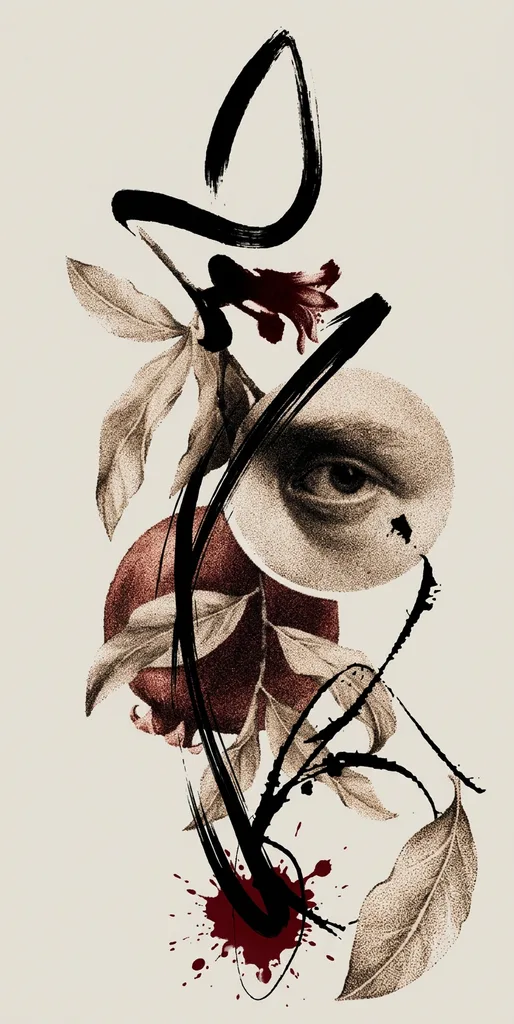
As a tattoo artist, Can You Create Your Own Tattoo Design Using AI?
Yes, but first, let's talk about what you want it to do for you. I mainly use it for two very different jobs.
The first is inspiration. When I start a project, I sometimes use AI to see directions I would never have come out by myself- After tattooing for 10 years, I have my own design logic, and sometimes I feel pretty stuck, like I can't think of anything else outside of the box. Every artist has an art understanding they fall back on, and AI is good at bringing you towards another direction, because it throws out interesting combinations.
Midjourney, I found, is a great tool for that purpose. It gives you four generations at a time, and each of them can look pretty different in terms of composition.
The second is components. Some parts of a design take days of research to draw correctly, and AI can save that time. One client asked me for a whale skeleton on a full leg piece. Finding usable anatomy references for that, and then drawing the whole thing from scratch used to take days even weeks, so I generated the skeleton with AI and then reworked it by hand. The skeleton was just a part of the tattoo, not the whole thing. The composition, the flow with the leg, the colors, all the other secondary elements, and how every element connects with others were all still my job.
What I would not do is let the AI hand you the final design. There are too many things going into a tattoo design, including your design logic, your personal style, and your understanding of the human body. All of those cannot be compiled into a simple prompt. The best way that worked for me has always been taking apart my own design workflow and then finding little parts that could be improved by AI. Then, eventually, I will compose everything together by myself.
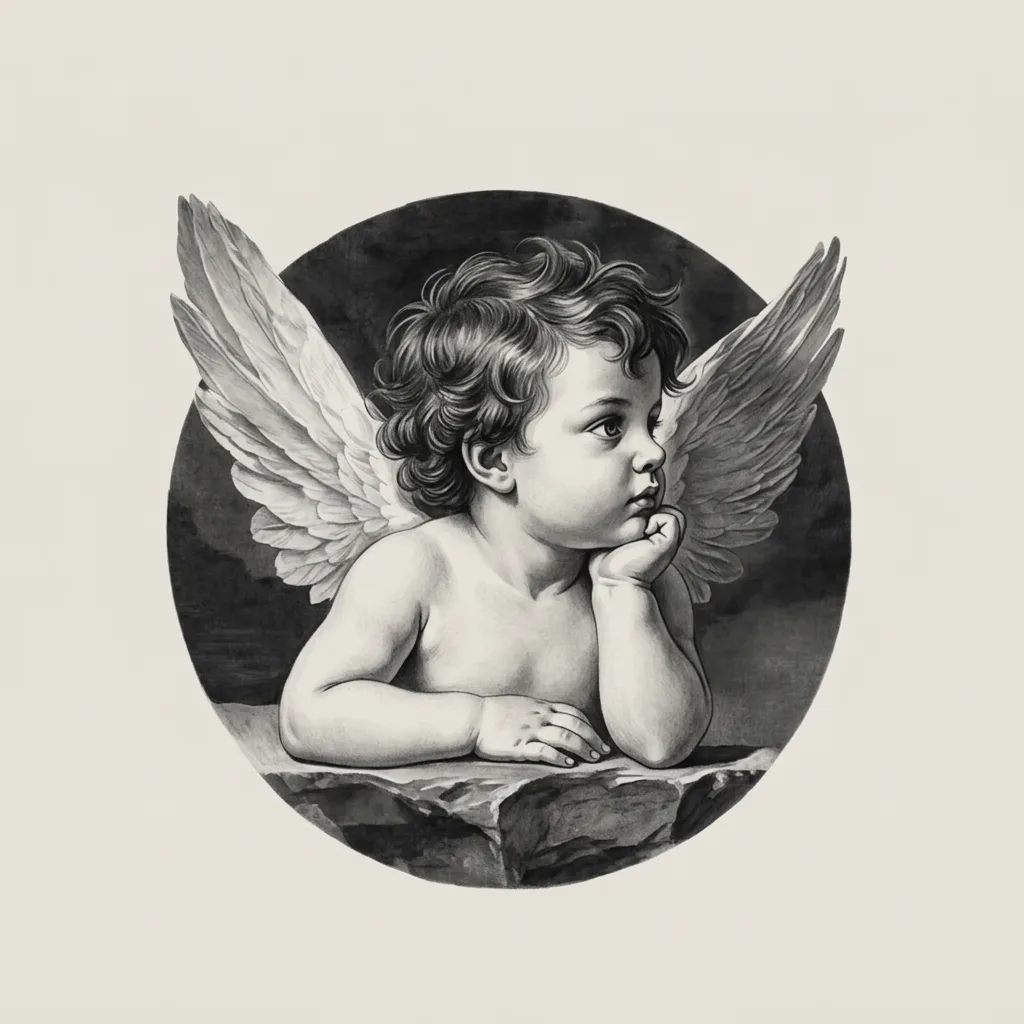
Step 1: Choose an AI Tattoo Generator
There are two kinds of tools, and they behave differently.
General image generators (ChatGPT, Midjourney, Adobe Firefly, Canva) can make anything. They take everything you type and blend it together, including the stuff that should not go in the design. For example, if you type 10 elements into the prompt, it will actually blend all 10 elements together.
Dedicated tattoo generators are built around tattoo designs. They usually give you style presets and placement options, and they output a design sheet rather than a photo. Some of them, Inkspo included, can also take a photo you upload and follow the look/style/vibe of it, which matters more than it sounds (see Step 2).
But even those dedicated tattoo generators are still made for average users, which means clients who do not know a lot about tattoos. So the style presets can be very useful for normal clients, but can still be a little bit not enough for tattoo artists for our specific needs. If you have very specific art styles to generate, the best way is to train your own image model with your own past designs.
If you're very good at prompt engineering yourself, you could try to use general image generators. Otherwise, I would recommend using dedicated AI tattoo generators, even though you are a tattoo artist yourself. The reason is that our specific tattoo terms and knowledge can sometimes not work well with the image generators - What you need is "engineer wording", such as "--ar 9:16", "--sref xxx", and most tattoo artists don't know how to write those things. With dedicated AI tattoo generators, there are usually pre-built style presets or placement presets to help you prompt that part (at least Inkspo does that), so then, the only thing left for tattoo artists to describe is the actual elements needed in the design.
Generate a custom tattoo design — free, no signup.
Step 2: Prompt Your Tattoo Idea, Style, and Placement as a tattoo artist
When a client describes their own tattoo ideas to an AI tattoo generator, it's very common they say stuff like, "Make me a tattoo design of XXX." For a tattoo artist, I would suggest you to not use the word "tattoo."
The reason for that is most AI image models, which are most tattoo generators, including ChatGPT and other generic AI tools actually rely on, are trained with older tattoo photos- Like the dragon tattoo designs from last decade, or super traditional roses and daggers. So if you write the word "tattoo design" or "tattoo" in your prompt, it is likely to generate you something looking like that.
I often don't say the word "tattoo" at all. I use words like "make a design", "composition", "ratio".
The idea: one or two subjects, with layers
Name one subject, mostly 2, at a time. The AI image generators are not smart enough to separate layers and depths in a design. As an artist, when we make designs, we probably know (sometimes just by instinct) which element to put in the front layer, which to put in the second layer, and which to put in the back layer. But AI generators certainly don't do that. They would compress everything into a flat layer.
Say "a design of a swallow in the front layer with two roses in the back layer." Don't say "a tattoo design of a swallow and a few roses."
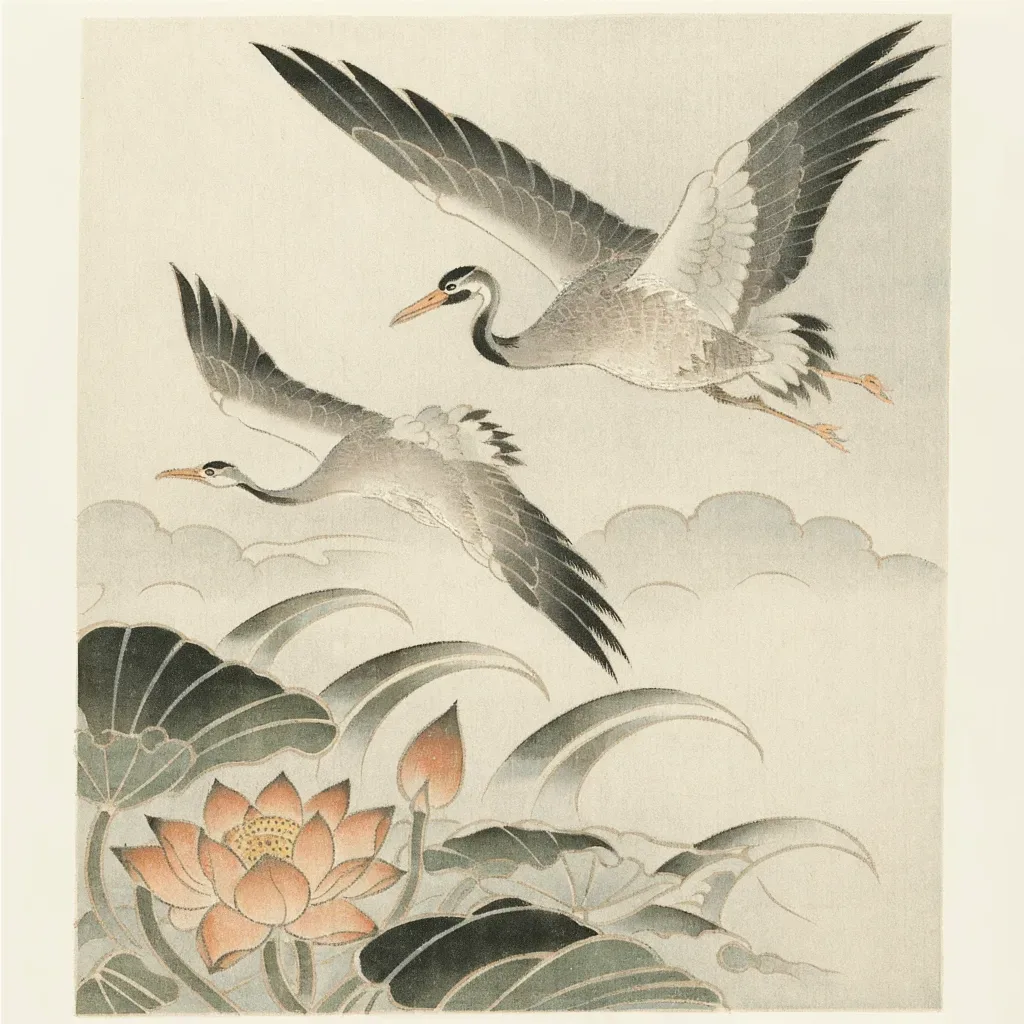
The style: skip the broad names
If you're an artist working with one of those classic tattoo styles, such as American traditional, neo-traditional, or black realism, you could use terms to describe those tattoo styles. Some other sites will tell you to write the style name into the prompt: blackwork, illustrative, black and grey. From my own testing, broad style names are the least reliable words you can give an AI. People commonly call almost anything "illustrative," and anything without color gets called "blackwork." The models learned those words from photos other people labeled, so "blackwork" can come back as something else entirely, and older models tend to turn everything into black and grey or American traditional.
So in practice, when I use AI, I would avoid talking about tattoo styles. I would only talk about what is the subject or element I want and describe the posture of it. For example, I would say: "an eagle expanding two wings and flying in the sky, wings very big." (And this posture is based on which placement the client asks for.) I will not simply say "an eagle".
My purpose is to have AI generate as practical a photo reference as possible for me, so I can draw my own design based on it. The better the photo reference is, the better my design comes out.
When I have to have AI follow a certain style, I use the generator's style presets, or I upload one or two reference photos and tell it to follow them. Style presets are usually pre-written prompts by the AI tool builder to limit the AI to a certain style. For example, a preset called Dotwork might be limited to "Gray wash made out of rough dots". It is smart to use style presets, because they are usually tested by the AI builder. Instead, if you write your own prompt, the style description could be something very vague for the AI to understand.
Photo prompts get the vibe across far better than words too. Pinterest is where I collect them.
Mood words are not great in the prompt. "Moody," "mysterious," "blooming" are things a person understands and an AI can't execute. If you are only fishing for inspiration, they can give you happy accidents. If you want a usable design or photo reference, show the mood with a photo.
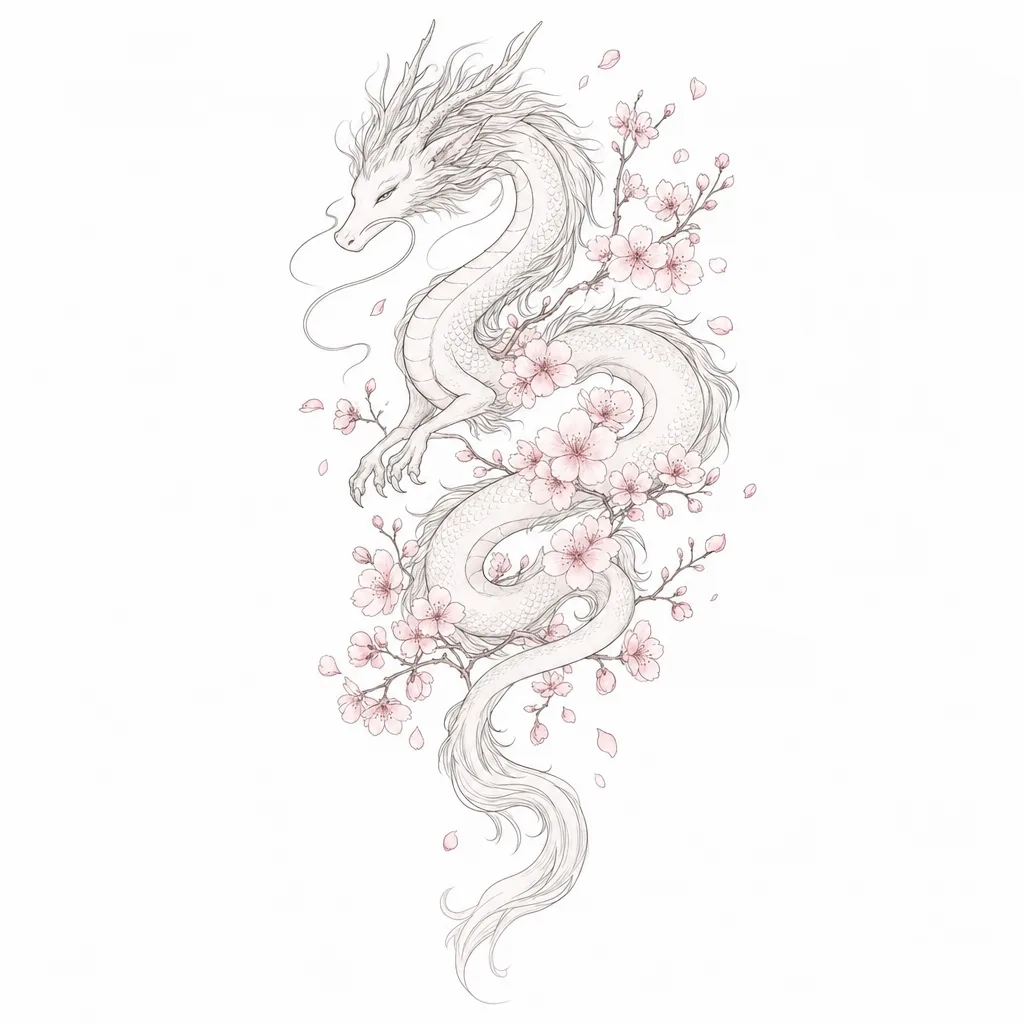
The placement: describe the shape, not the body part
Writing the placement and size into the prompt is pretty common, something like "forearm tattoo, about 3x6 inches." In my experience, most image models learned "sternum tattoo" or "forearm tattoo" from piles of older tattoo photos, so naming them gets you something that looks dated and generic. Naming a body part can also make the AI draw the tattoo on a body, which gives you a photo, not a design.
So I leave both out. I ask for "a design sheet" instead of "a tattoo design," and I translate the placement into composition: "a vertical composition in a triangle shape", not "a tattoo design for the spine."
Step 3: Write an Effective AI Tattoo Design Prompt
Put Step 2 together and the prompt follows a simple pattern:
primary subject + its pose or details + secondary elements + color + line + composition + "design sheet"
Leave out the word "tattoo," the body part, broad style names, and anything you are not sure about. Pick the style with a preset or a reference photo instead.
A full example you can copy:
"A dragon with its body coiled and its head turned to the left, as the front element. 2 roses in the background as the background element. Black ink with a little red on the roses, fine line, vertical composition. A design sheet on a plain background."
Then upload a reference photo if you have one for the look you want.
Want a tattoo design after reading this article? Describe your idea and get design ideas in seconds.
Step 4: Generate and Compare Tattoo Design Variations
Don't expect the first image to be the one. If something shows up in the first 10, that's a good run.
My routine for the first round:
- Generate 10-15 designs testing different prompt combinations. I would purposely make the prompts vague so the AI can show me lots of different directions. Sometimes I get nice surprising inspirations from it.
- Switch the style preset and run it again. Different style presets can create different compositions, and that can be super inspirational, too.
- Once I find the ideal composition I want to go for, I switch to each actual element.(Sometimes, even after I test many rounds, the composition is still not good enough, and I end up using what I originally have in my mind, which is okay. As said, I don't expect AI to do 100% of the design work for me.) Now I'm describing the elements with more details, such as "a peach with two leaves on a branch, one of the leaves covering half of the peach" instead of "peaches". In this step, the posture of the element I'm describing is made sure to fit with the specific body placement my client asked for.
- Try using a reference photo instead of text. Text prompts and photo prompts give very different results.
- If the tool lets you pick an image model, try another one. Newer models follow a prompt much more closely.
When you use photos, upload one or two at a time, not seven or eight. Too many references confuse the AI the same way too many subjects do, especially when the photos don't share a style.
Step 5: Refine Your AI-Generated Tattoo Design
Once one design is close, stop generating new ones and start editing that one. Remix (an edit on an existing image) is the tool for this. Five instructions I use most:
- Take something out: "Remove the clouds, keep everything else the same."
- Add one thing: "Add a small moon above the dragon's head."
- Swap the secondary element: "Keep the dragon, change the roses to chrysanthemums." This is how you test the "rose or chrysanthemum" question without writing "or."
- Change the style without starting over: keep the image and switch the style preset.
- Fix lettering: AI misspells words often. Check any lettering letter by letter, then give it the exact spelling: "The text says 'Mother' exactly, spelled M-O-T-H-E-R."
The AI version is where the design starts, not where it ends. Sometimes I take different parts from a few different generations, and then blend them all into my own drawing. You can also tell AI to "Crop out the roses in this design." Then save the image. Do it a few times to different designs, and then eventually upload all the single-element photos, and prompt it again to put all these together.
Make a tattoo design with Inkspo - Free AI Tattoo Generator
AI Tattoo Design Prompt Examples
Each prompt below follows the pattern from Step 3. Pick the matching style preset if your tool has one, and keep the style name out of the text unless it is a narrow one.
Black and Grey
"A tiger's head facing forward with its eyes looking straight ahead, Soft clouds behind the head in the background. Black only, smooth soft shading with no outlines, vertical composition. A design sheet on a plain background."
Minimalist
"A single sparrow with its wings open, as the only element. Black fine line, one thin continuous line, lots of empty space around it, small horizontal composition. A design on a white background."
Japanese
"A koi fish swimming upward with its tail curved. Waves and a few maple leaves around it as the secondary elements. Red and orange as major colors, black bold outlines, vertical composition. A design sheet on a plain background."
Anime
"A girl in profile with her hair blowing to the side, a few cherry blossom petals floating around her as the secondary element. Clean black outlines with flat pastel color, vertical composition. A design sheet on a skin color background."
Common Mistakes to Avoid When Designing Tattoos with AI
A vague prompt, or one with "or" in it
AI draws your hesitation. "A rose or a chrysanthemum, maybe some leaves" becomes a design with both flowers half-merged. Decide first, and run separate prompts for the options you can't decide between.
Too much detail for the size
A long list of elements would push the image toward a density that won't hold on skin. "Not too much detail" doesn't work either, because the AI can't tell what are necessary shading and light details, and what are extra details that become messy. Describe what should be in the design, and simplify the detail yourself when you redraw it.
A lot of people say AI designs are full of smudged detail, and that's true. But the capability of making a design hold on skin, with details that won't blur over the years, is one of the most important parts of our job as artists, so don't blame the generator for not being tattoo-ready. It was never meant to replace "the design job" - "the design quality" comes from tattoo experience. Tattoo experience and skill levels tell us how much detail should be kept in a certain design, such as the spacing in between lines, and that is highly related to our personal understanding of skins as well. Some tattoo artists charge $100 per hour, and some others charge $1,000, and this understanding is exactly what separates our price.
A flat composition
When every element is listed at the same level, the AI spreads them out evenly and nothing leads. Tell it which element is primary and which ones stay in the background, and leave the fitting to the body part and muscle shape (I usually will do a draft design first).
Words that contradict each other
If you wrote fine line, don't also write black and grey. If you already picked a style preset, don't name a different style in the text. The generator will try to do both and does neither well.
Frequently Asked Questions About AI Tattoo Design
Can I use AI to design my tattoos, as an artist?
Yes, as a way to help improve your design quality or discover more inspirations, not to use it to replace the whole design workflow.
Is AI tattoo design free?
If you want to use it a lot, then eventually you would have to pay for the tools because there is a cost to use the AI models to generate images. A lot of tools have a free tier to start with, so you can try a few generations and see if you like the tool.
Can ChatGPT create tattoo designs?
It can make images, but it probably understands tattoo designs less than some other specific AI tattoo generators. Using ChatGPT or any other general image AI generators, such as Midjourney, heavily relies on your own prompting.
How long should an AI tattoo prompt be?
There is no real limit. What matters is that nothing in it contradicts itself and every word is something the AI can execute, such as using "fine line" instead of "lines that's not too bold".
How can you tell if a tattoo artist is using AI?
This depends on how the artist is using AI. If an artist just generates an image in ChatGPT completely and presents that as a final design, it is very easy to spot. If the artist uses AI to generate one small reference and redraw it as a part in their whole design, it is not easy to spot. Whether an artist will accept an AI-generated design is a different question, which I wrote about separately.
Who owns an AI-generated tattoo design?
It depends on the tool's terms and your country, and the law is not settled. Once an artist redraws it, the artist owns copyright for the design, the same as any custom tattoo.
Can AI design a sleeve?
It can give you a panel, not a sleeve. A sleeve is a 360-degree design and every tool draws it flat. Some tools set the composition shape for you (BlackInk AI has sleeve templates, Inkspo has half-sleeve and full-sleeve placements), but how it wraps around the arm is still your design.
Can AI design a cover-up?
Not really. The old tattoo decides most of a cover-up, and a design made from a flat image is usually far from what works on the client's skin. Use the AI result as a direction at most.
Are AI tattoo try-on tools useful?
They're fun for clients, but they're not a design tool. They paste a flat design onto a photo of a body. A real tattoo wraps around the body and looks different from every angle, which a photo can't show. Only an experienced artist can picture that, and that part stays with you.
Do I need to write the prompt in English?
It works better in English, because most image models were trained mainly on English.
Written by Jing — 10+ years tattoo artist, 8+ years tattoo mentor who trained hundreds of tattoo students and apprentices.
@tattooartist_jingNot sure what you want yet? See real tattoo ideas by style and body placement in Tattoo Ideas.