Best AI Tattoo Generator 2026: Inkspo vs 9 Competitors, Compared by a Tattoo Artist
Last updated: 2026/10/07
Hi, I'm Jing, a tattoo artist of 10 years' experience. About two years ago, some of my clients started to bring in tattoo projects with AI-generated designs. It was a good help for them to visualize their ideas before the consultation, as well as further showing me (and possibly other artists) what they actually want.
Although most of the AI generated designs cannot be tattooed onto the bodies directly, I liked how the AI generators helped the clients clear their minds before they even talked to me or the artist in my studio. I feel like using AI tattoo generators to help with the artist-client communication can improve efficiency and it's becoming more popular; the only downside is a lot of those generated images are not "ready to be tattooed" yet — so I tested some of the major AI tattoo generators/ AI image models on the market, including Canva tattoo and Adobe tattoo, and I would reveal my exploration in the article below.
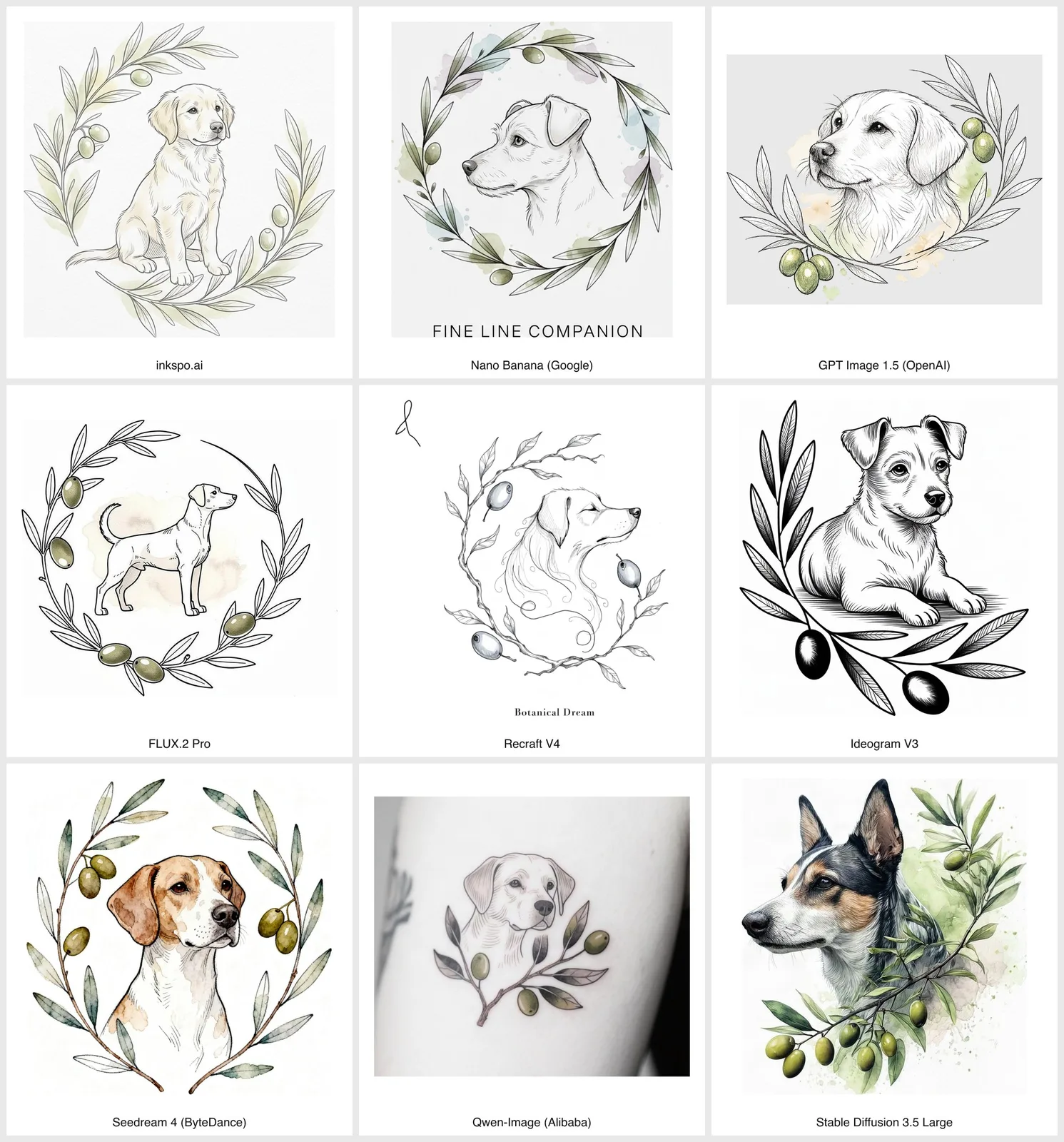
I used this prompt to generate a tattoo design with different image models:
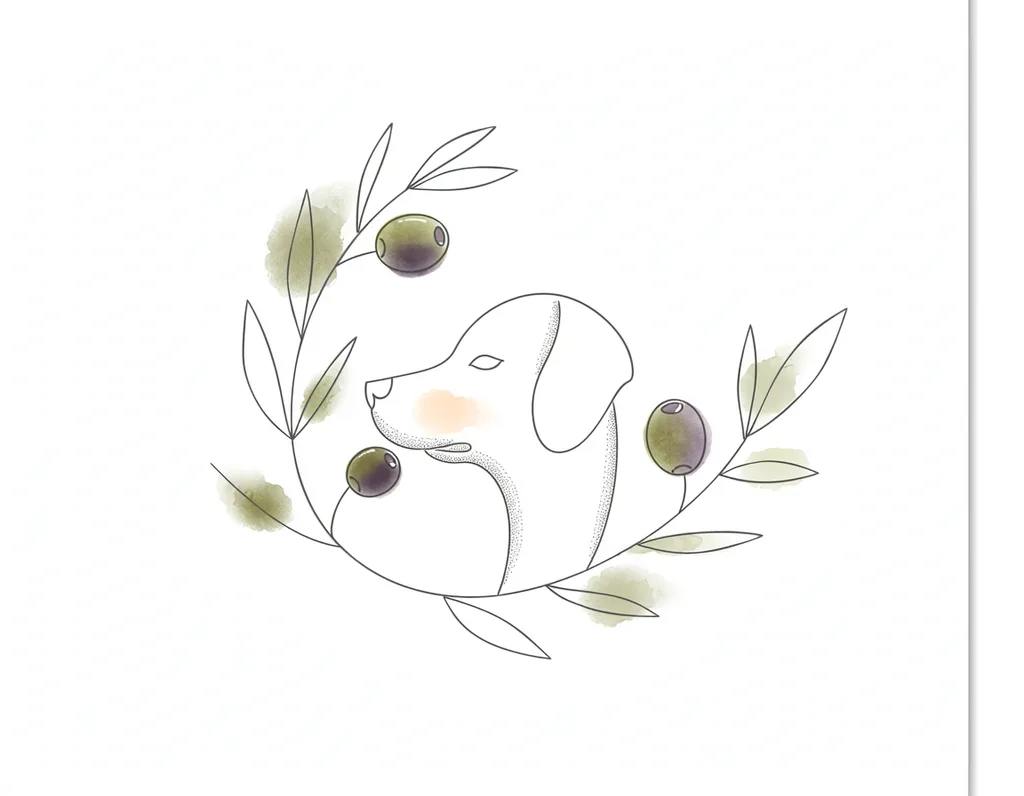
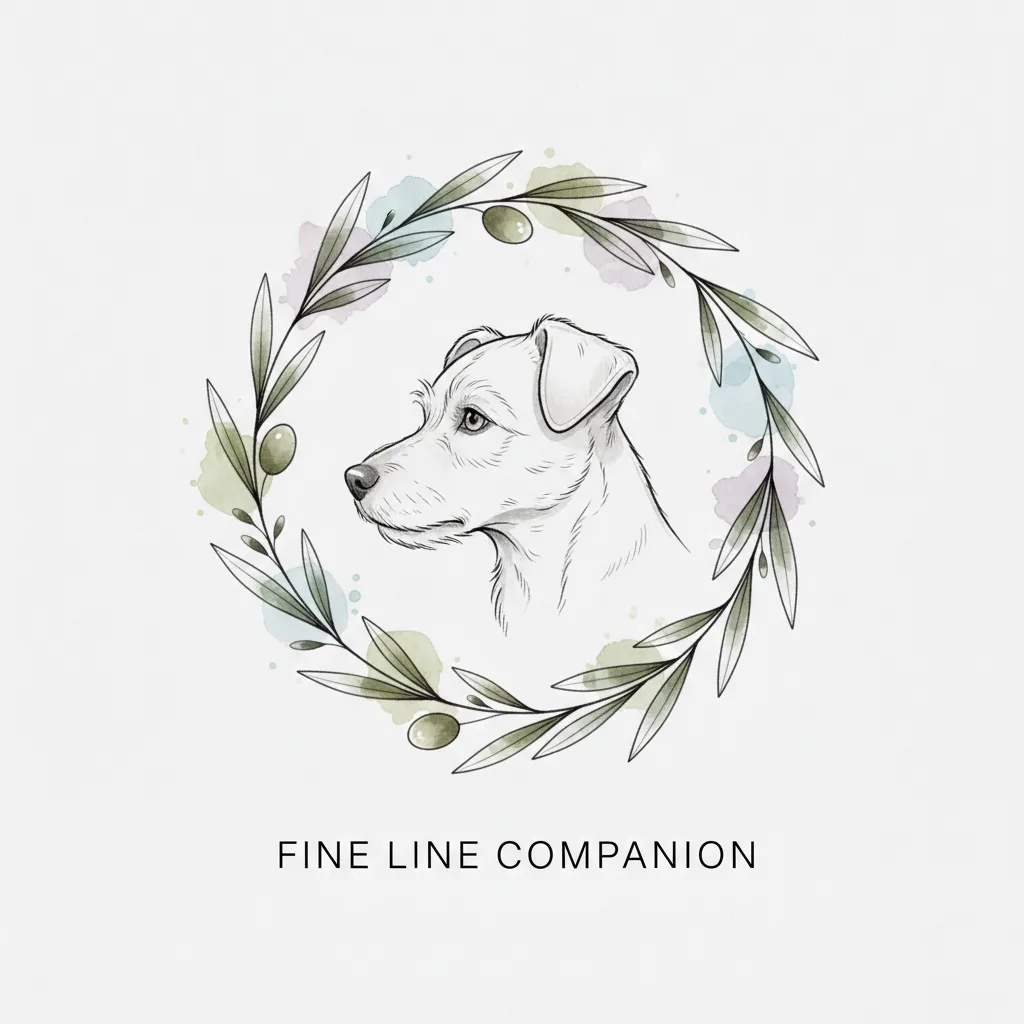
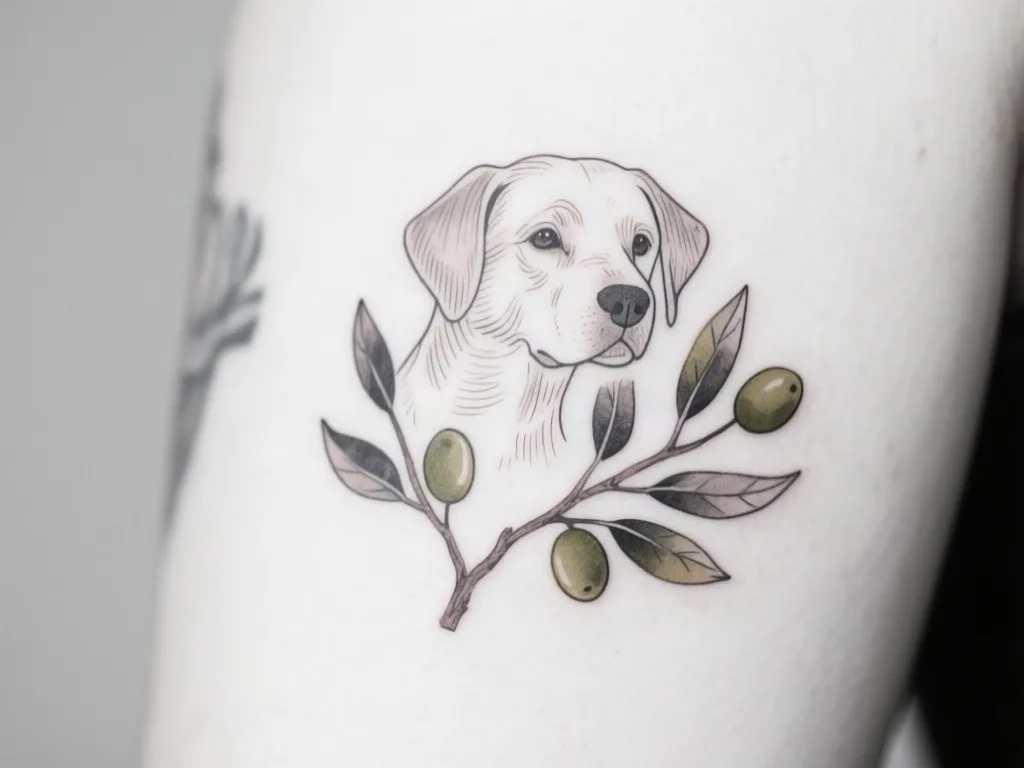
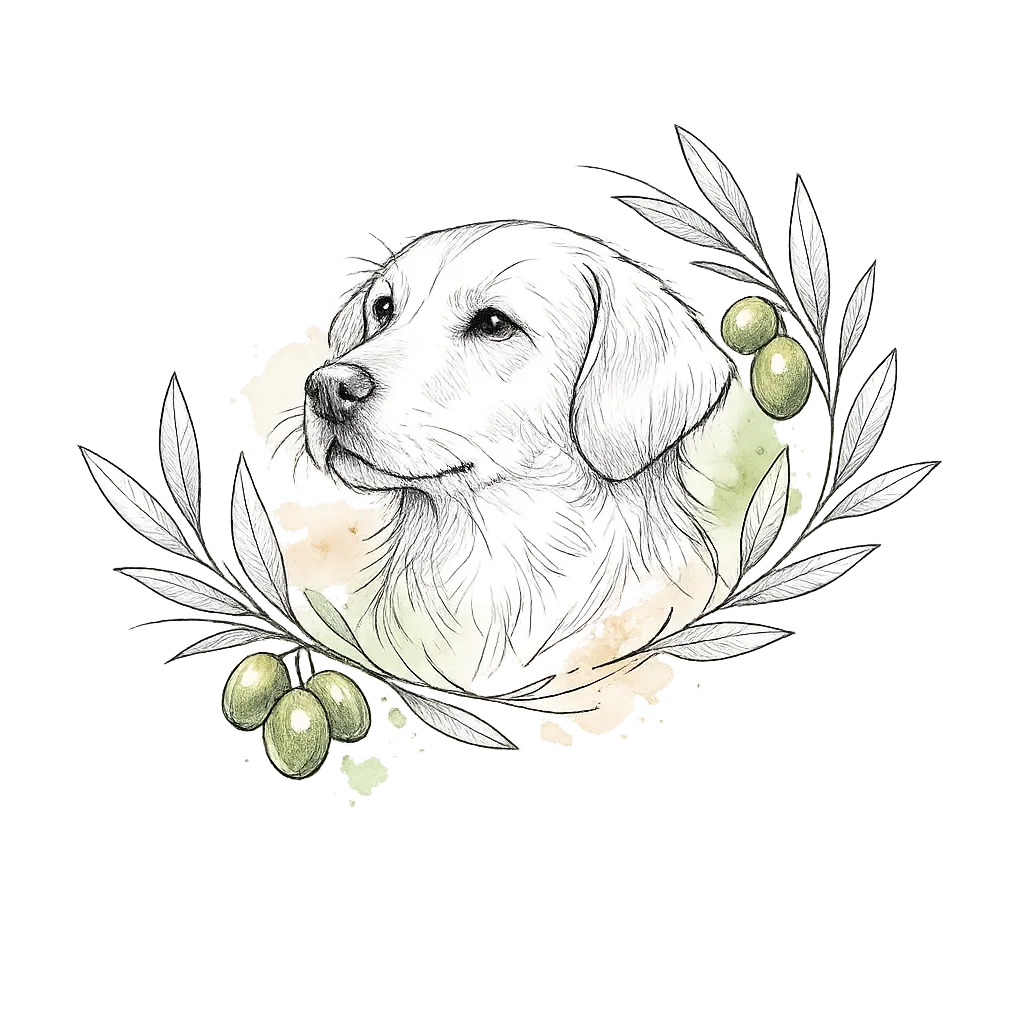
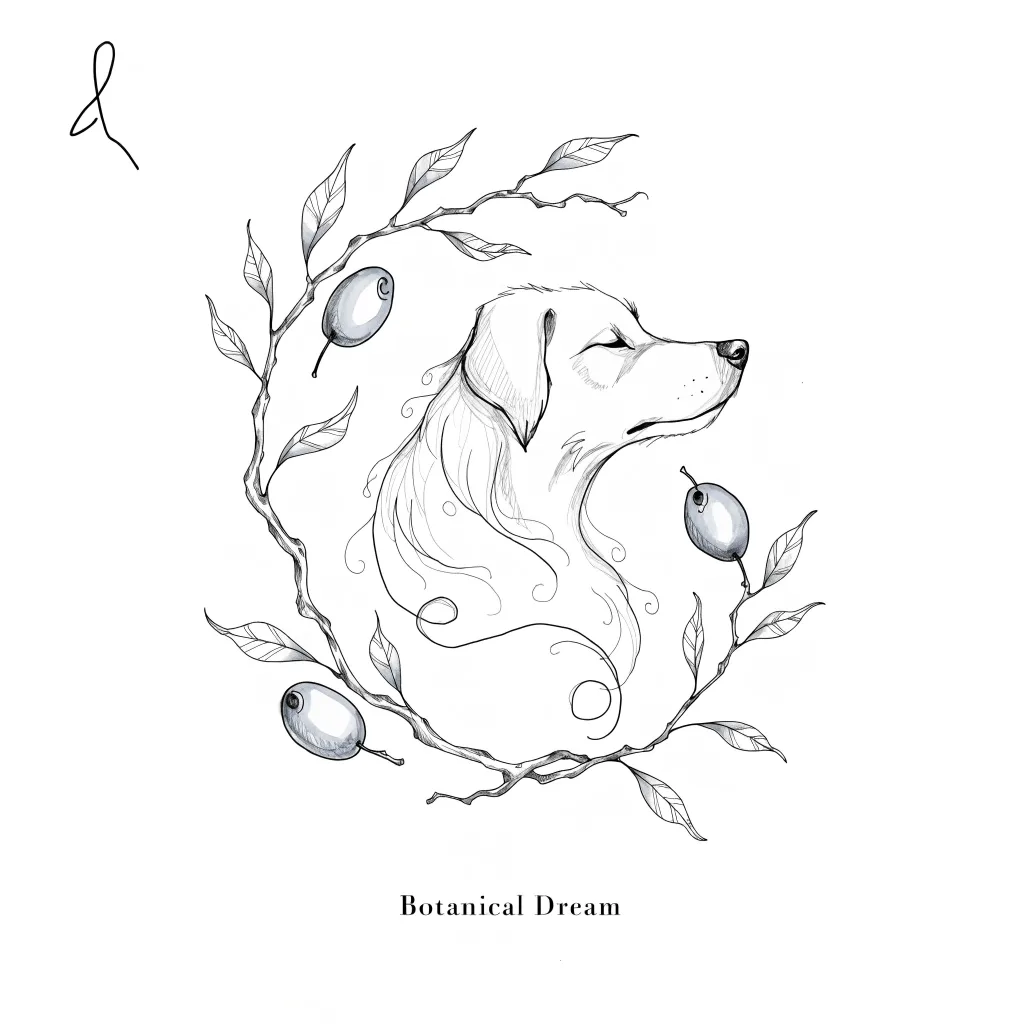
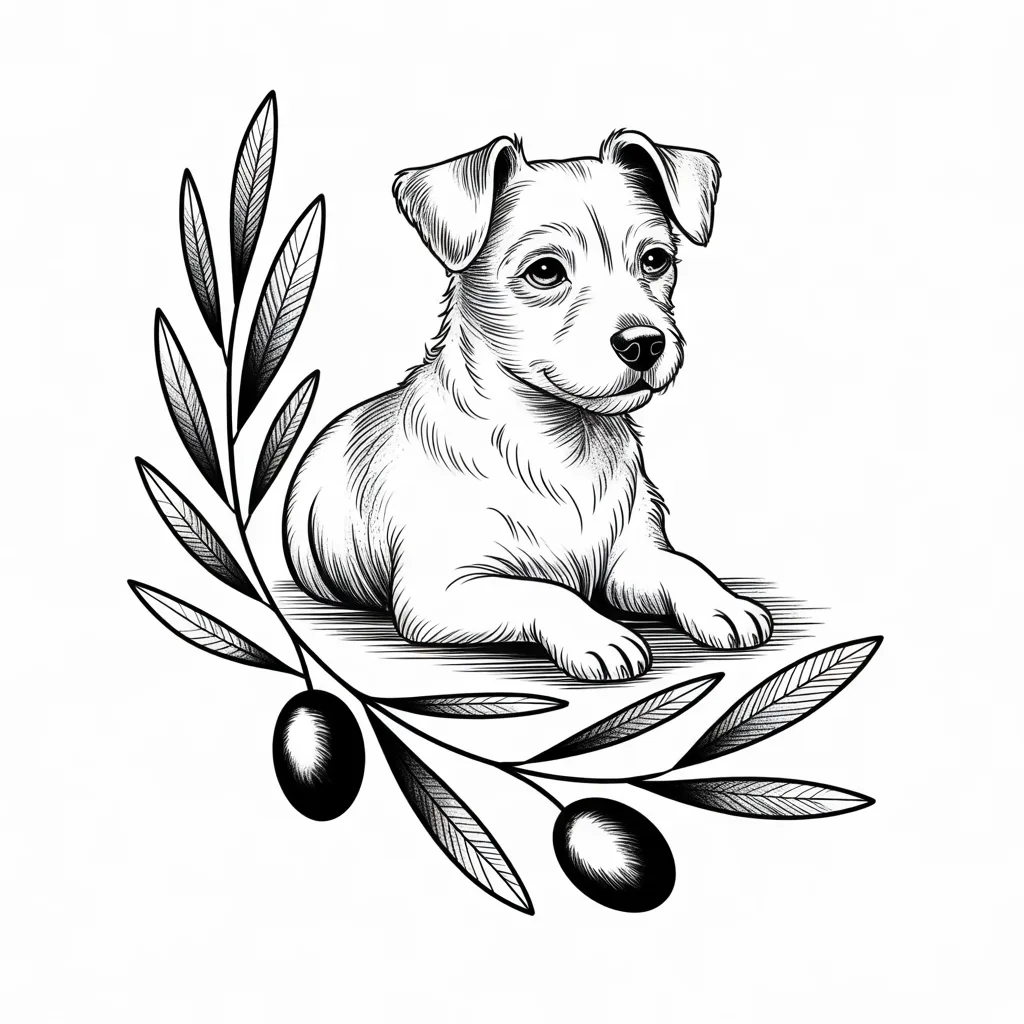
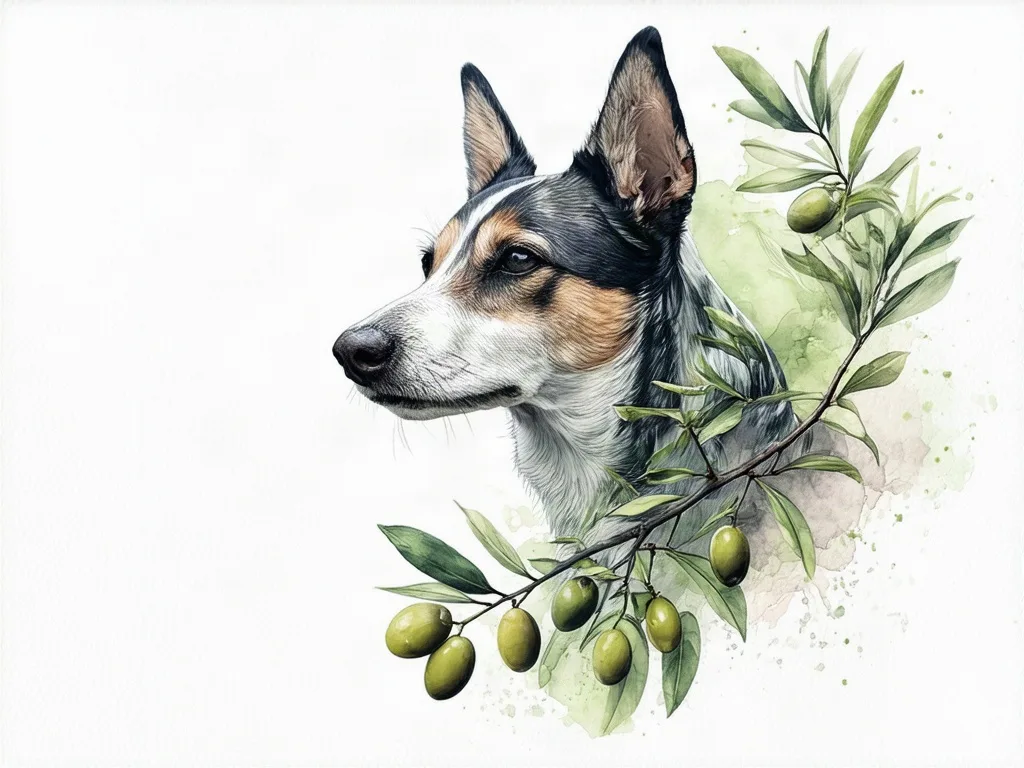
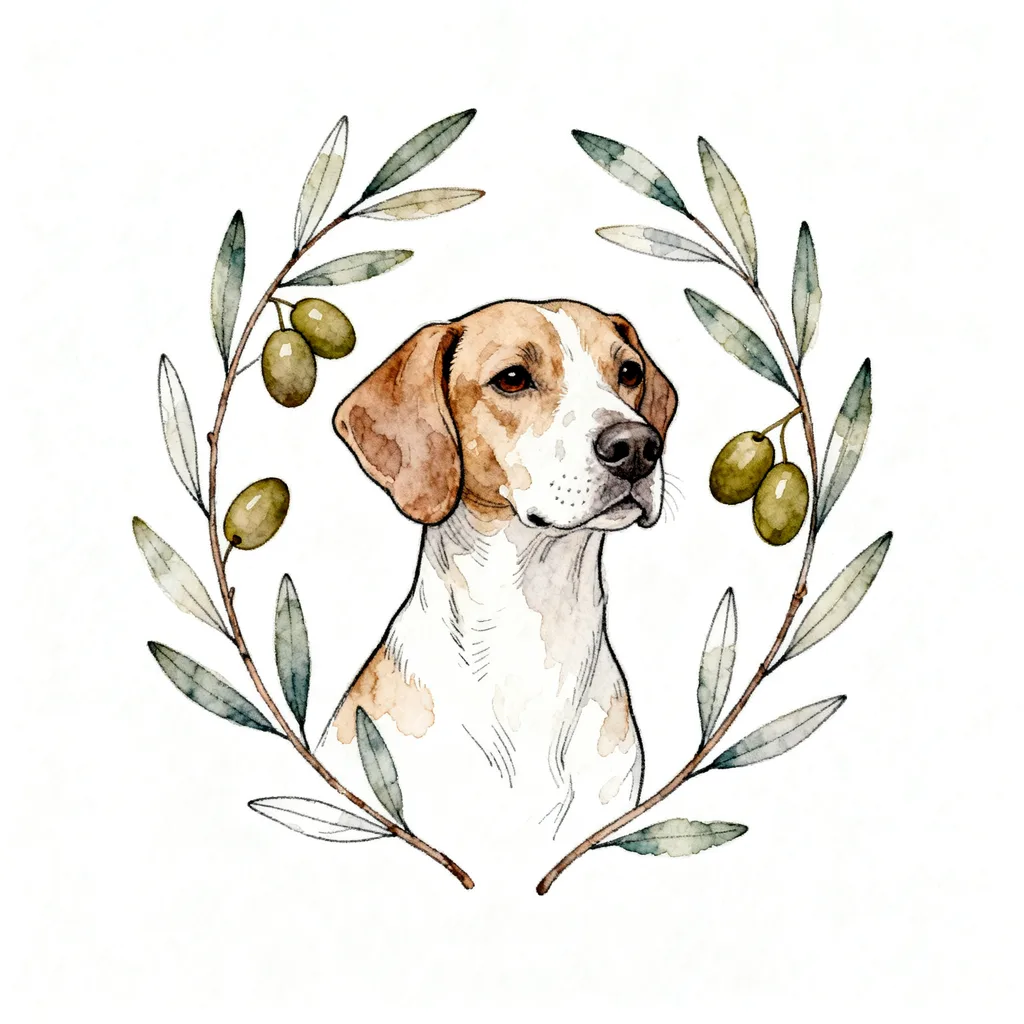
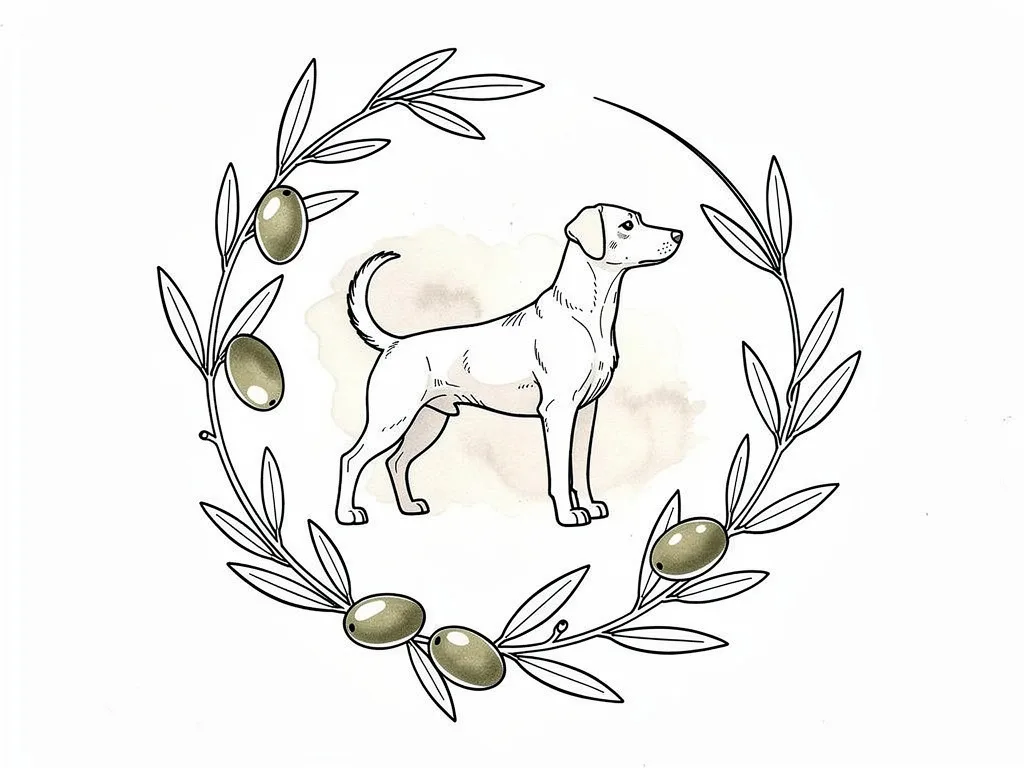
Fine line tattoo design of a dog surrounded by a branch with leaves and three olives, with a little bit watercolor. Thin clean lines, light shading, plain white background. A tattoo design sheet, not a photo of skin.
The comparison pictures in this article all came from different AI models but were all made with this same prompt, so you are comparing the models and not the prompting. This prompt was written in the way most clients would describe their tattoo ideas.
What is the best AI tattoo generator in 2026
If you go on Google, you would find a bunch of AI tattoo generators. But here, I will give you a chart of my honest feedback based on my own test results.
Short answer first: BlackInk AI is the most complete tool that came early to the market; Inkspo is the only one built by a real tattoo artist with tattoo experience input; Tatink progresses with different models and is getting better every year; Tatspark has good taste but the generations are a bit slow. Big companies like Adobe and Canva have built-in tattoo generators too, but the results they provide, in general, are not as good as the professional AI tattoo generators. (I will show you comparisons below.)
| Tool | Free tier | Sign-up & payment | Cheapest paid | What's unique to this app | My take |
|---|---|---|---|---|---|
| BlackInk AI | ✓ | Sign-up required · monthly subscription | $15/month | Line-weight and complexity control, sleeve templates, stencil converter | The AI model behind it seems to be a cheaper and older model. |
| Inkspo | ✓ | Free to start · no sign-up · no card · no subscription | $4.99 / 15 designs | artist-tuned styles, artist prompted presets, real tattoo artist experience | Generations based on text or image make very different results. |
| Ink Studio AI | ✓ | Sign-up required · one-time pass | $12.99 / 7 days | Photo to tattoo, time-based passes instead of a subscription | The body placement presets are very limited and you must pay packages to try it. |
| TattoosAI | ✓ | Sign-up required · monthly subscription | $4.99/month | Cheapest unlimited plan, 18+ style presets | Very good guides for people who don't know much about tattoo designs. |
| INKHUNTER | ✓ | App download · in-app purchases | In-app purchases | Live AR placement through your phone camera | App designed for iPad, more towards artists than clients. |
| Tatship | ✓ (trial) | Sign-up required · monthly subscription (trial) | $17.99/month | 3D try-on on a photo of your own body | The app interface isn't very user-friendly, and the image model is pretty old. |
| Tatspark | ✓ | Sign-up required · subscription | Not listed at check | Stencil and vector export for Procreate / Photoshop, 3D try-on | A newer and better image model, but generation comes out very slow. |
| Canva AI tattoo generator | ✓ | Canva sign-up required · yearly subscription | $144/year | Real text for lettering, inside Canva | The tattoo design comes out moderate, but the app is very easy to use. |
| Perchance | ✓ | No sign-up · free | — | Unlimited and free with no account, ads | It gives you four images at a time |
| Adobe Firefly (Generative Fill / Firefly) | ✗ (7-day trial) | Adobe sign-up required · annual plan billed monthly | $22.99/month (25 generative credits) | Edit the design you already have: extend, remove, restyle; generation is a side feature, not a tattoo tool | Not impressed by the outcome image (attached below) |
| Midjourney | ✗ | Sign-up required · monthly subscription | $10/month (Basic) | The most striking images of any tool here; no stencil, no placement, no free tier | Four different images at a time. Most artsy, not very practical, best to use for inspiration |
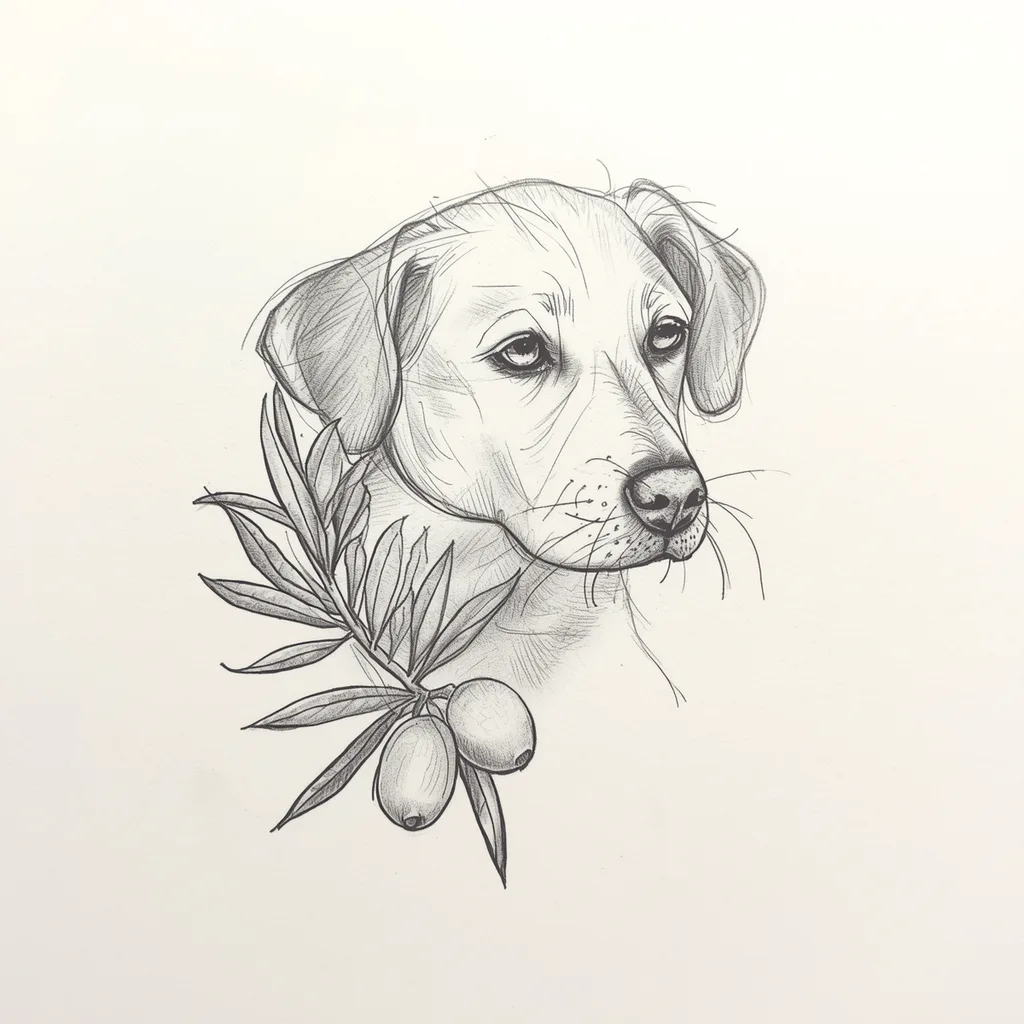
Best overall if you will pay: Tat.ink and Inkspo
Tat.ink lets the users pick different AI image models when generating the design, and the image models they use behind the app are pretty up to date, which means better generation capabilities and better understanding of the user's needs. It also has enough presets in terms of body parts and tattoo styles. The downside of Tat.ink is that it presets the image ratio to 1:1 or 3:2, which is not always the case when it comes to real tattoo designs.
Inkspo has the most up-to-date and unique style presets, and the most choices of placements. When the users choose a style or placement, there is an artist-written prompt running behind to help the general AI image models understand the design needs, so the designs generated can be cleaner and more practical as real tattoo designs. The AI image models Inkspo uses are also up-to-date, best quality models. The downside is that you cannot really choose a different model, and the free trial it provides is limited to one design a day.
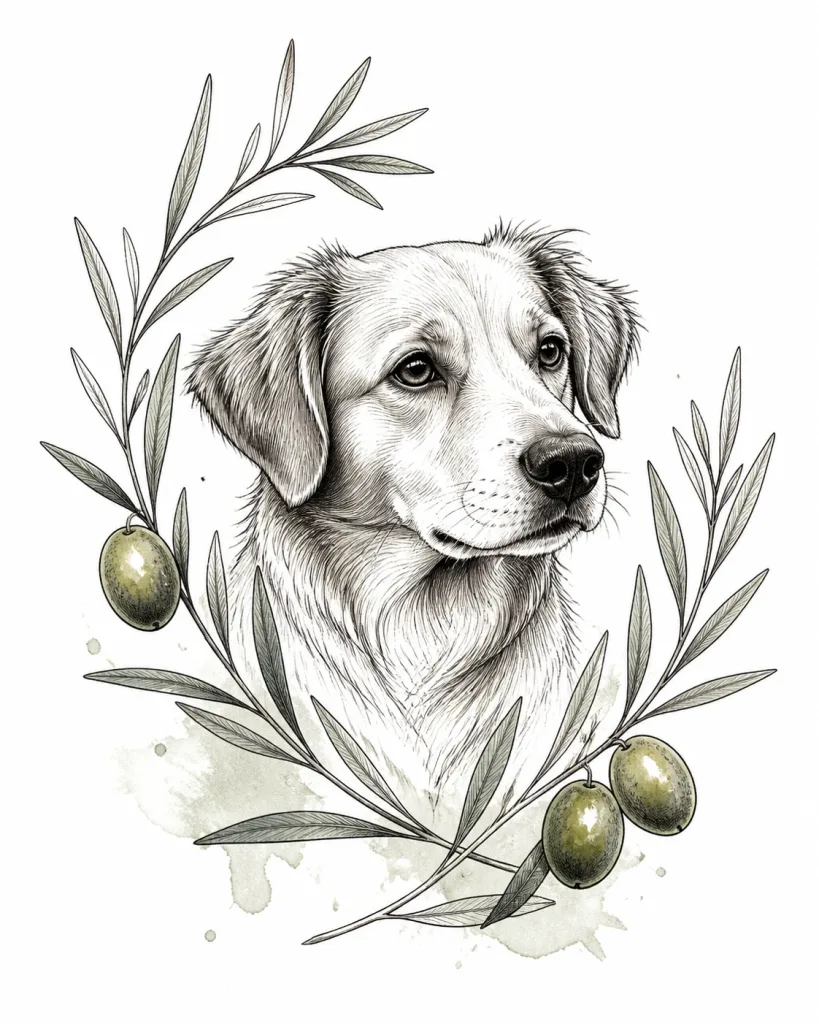
Most complete functions: BlackInk AI
BlackInk is the only one on the list that lets you set line weight and complexity. It also has a lot of interesting side functions, such as converting your own upload to a stencil, covering up old tattoos, and filling gaps between existing work. If you have a lot of old tattoos, you might wanna try this one.
Although from my perspective, the AI image model BlackInk uses seems to be pretty old (I'm guessing Flux), which means the design quality isn't very delicate. I did not try their cover-up functions or gap filler functions, but as a tattoo artist myself, I know that a cover-up design based on a flat image can be far from being practical in real life — cover-ups are a special need that needs real tattoo artists' review and input.
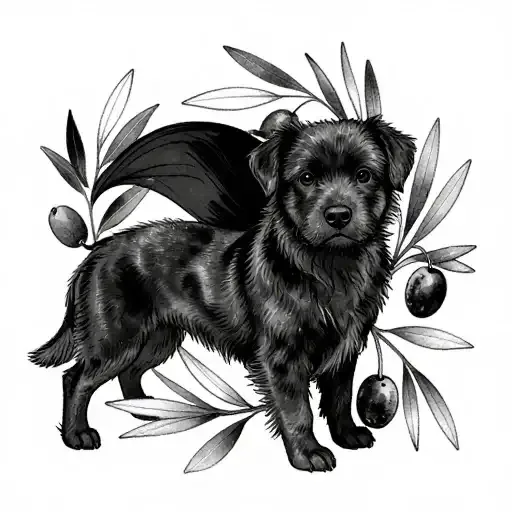
Best for stencil: BlackInk AI and Tatspark
If you want to get a tattoo stencil directly instead of a tattoo design, both BlackInk AI and Tatspark provide the tattoo stencil function, which can help transfer a photo or existing design into tattoo stencils. Although this seems to me more as a function designed for tattoo artists, less for clients; especially Tatspark goes further with vector export you can open in Procreate or Photoshop.
Best try-on: Tatship, INKHUNTER, or Tatspark
These three have that function, which can be very attractive to clients who want to try a design on, like trying on clothes. Although as a tattoo artist myself, I think that function is completely useless: In real life, when a tattoo wraps around the body, it looks completely different from another angle, which cannot be generated or seen on a photo. All those 3D try-on functions are basically masking a piece of flat design on the body, which does not really show you what it looks like from another angle on your body — only highly experienced tattoo artists could imagine that. So think of that function as something fun to test, and don't take it too seriously.
Best free with no sign-up: Inkspo, then Perchance
Inkspo gives one design a day without an account and without a card, at 512px on the free tier. Perchance gives you as many as you want, also with no account, but on a general open model with ads around it.
Best from a photo: Tat.ink, Inkspo or Tatspark
The function of generating something from a photo is highly dependent on the AI image model running in the background. So if you want to generate a design from image-to-image, or from a real photo to an image, you would have to pick an app that uses a more up-to-date, better image model. In this round of tests, the winners are Tat.ink, Inkspo, and Tatspark.
Best user experience: TattoosAI and Inkspo
TattoosAI has a very nice step-by-step guide for the users to pick styles and placements — it is particularly easy to understand for people who have never had tattoos before — what a nice surprise. Inkspo, judging by the overall website design, has good taste and it's very easy to use. Tatspark as well.
Most disappointing from this round of tests: Adobe Firefly Tattoo Generator, Inkstudio.ai
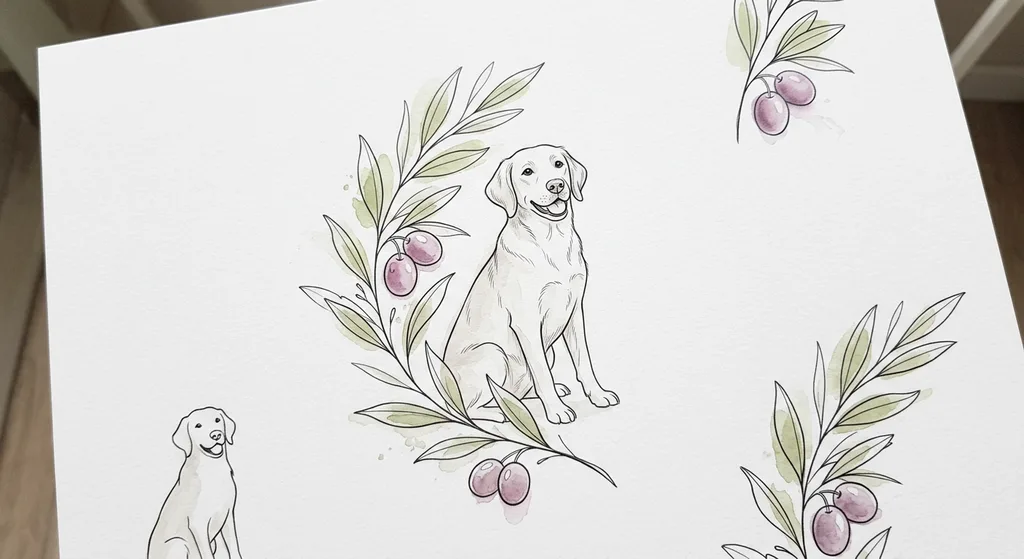
Adobe Firefly Tattoo Generator, for some reason, is generating images that don't have a very high design quality — I couldn't guess which image model they are using because it doesn't seem similar to any of the major models on the market. The designs almost look too simple.
Inkstudio.ai is a disappointment because the user experience is not smooth, and they'll force you to pay before even trying one. The preset options seem to be very limited too.
How much do AI tattoo generators cost (2026 price comparison)
Most of these tools cost between nothing and about $18 a month, and the billing model matters more than the number. Prices below are from each tool's own pricing page, checked on 2026-10-07.
| Tool | Free | Cheapest paid | How it bills | What the paid tier adds |
|---|---|---|---|---|
| Perchance | Unlimited | — | — | — |
| Inkspo | Free to start with, no account | $4.99 (15 designs) | One-time packs; day pass $8.99/45 designs expires in 24 h; packs do not expire | 1024px, Artist Tuned styles, Remix from a reference |
| TattoosAI | 4 designs | $4.99/month | Monthly subscription | Unlimited designs; Pro adds privacy |
| Ink Studio AI | 1 generation | $12.99 / 7 days | One-time passes (7, 14, 30 days), no auto-renew | Unlimited generations, photo-to-tattoo, HD downloads |
| Canva | 20 AI uses on the free plan | $144/year ($12/month) | Annual or monthly subscription | More AI uses, Pro assets |
| BlackInk AI | 3 credits | $15/month | Monthly, quarterly ($39.99) or annual ($72) | Unlimited designs and visualizations, 4x upscale, stencil converter, private designs |
| Tatship | Trial try-ons | $17.99/month | Monthly; yearly is 50% off | Unlimited try-ons and designs, 3D try-on |
| Tatspark | Free tier | Pro (no plan listed at check) | — | HD exports, full-license downloads |
| INKHUNTER | Download | In-app purchases | App store | — |
Free tiers compared
Three tools give you something real for free: Perchance (unlimited, ads), Inkspo (one free generation a day, no account) and TattoosAI (four designs, then pay). The others give you a demo: one generation at Ink Studio AI, three credits at BlackInk, a trial at Tatship.
If you're serious about your tattoo designs, or want to use those tools to clear your mind, or to generate something that could actually be practical, one or a few generations is not enough to do that. It is magic if you can get something very close to what you're thinking of within the first 10 images. Usually, good and practical designs come out of a process of trying a bunch, and changing the model or style presets a few times, plus slightly changing the prompt for a few rounds.
For the AI tattoo generators that give you a demo or a free trial: A demo is fine to see the design quality, but not enough to get to a design you would keep.
Here's how I would suggest my clients use those AI tools
Whatever AI tattoo generators you pick, I would recommend buying at least a credit package or a one-day pass, so you can use the same tool for at least 50 generations. Use simple words to describe your idea, make sure to avoid conflicts. For example, if you already said fine line style, then don't mention black and grey style in the same prompt. This would confuse the generators. This works the same with tools that provide style presets, for example, if you have already chosen the fine line style in the presets, then do not mention black and gray style in your prompts.
Generate 4-5 designs in the first round. Use the Remix function (Inkspo, Tat.ink has them) to add elements or take away elements from the generated design. Change the style presets to see whether there is another style that's closer to what you're imagining. Sometimes clients cannot completely clarify the differences in between the styles, so it's pretty common for people to choose a style that does not best describe their ideas.
Change the AI image model if the tool allows you to.
Since this whole process can take a few hours (only if you're serious about getting a well-done tattoo design), I would also consider the generation speed of the tool, because it can take many rounds of waiting.
Be aware: Very fast generation does not mean the best quality, because usually the cheaper and older models (which provide less design quality) actually do generate faster, whereas smarter and better models do generate slower. I would probably avoid the slowest tool, which will stretch the waiting into several more hours; I would also avoid the fastest tool, because eventually what I want is a good quality design, not how fast it was generated. Picking something in between is safe. Plus, you could always generate a free trial to see whether the speed is generally okay.
What you actually get for the money
Paid tiers mostly sell four things: more generations, higher resolution, privacy, and the tools around the picture (stencil, try-on, photo input). If all you want is ideas, you do not need any of the four.
If you are going to give the AI-generated design to your tattoo artist and have them make a design on top of it (which I highly recommend), then the resolution doesn't matter. Your artist would be able to see through the design and completely understand your idea, then redo the design. That said, a lot of rounds of generations are probably needed in this process to make sure you can get a design that's similar to what you want — and surprisingly nice ideas would pop out, too, during the process.
The privacy is more for other users of the same app to not see what you generated, which I personally don't think is a big deal. Even if somebody did steal your tattoo idea, they would probably go to different artists, and the end result of the tattoo would be completely different.
Is there a free AI tattoo generator
Yes, several.
Free with no sign-up
- Perchance: unlimited, no account, ads on the page. Output comes from a general open-source model with tattoo prompting layered on top, so you get variety more than consistency. More like a general free AI image generator.
- Inkspo: one design per day per visitor, no account, no card required. The same engine as the paid tier; the paid tier mainly buys you more generations and the full resolution.
- Canva: the generator itself does not need a tattoo-specific account, but you need a Canva login, and the free plan caps AI uses.
Free with sign-up
- TattoosAI: four designs, no card.
- BlackInk AI: three credits, one placement preview, designs are public and can be deleted after 30 days.
- Ink Studio AI: one generation, no card.
- Tatship / Tatspark: trial or free tier, details change.
The weekly-subscription trap
If you search the App Store for "AI tattoo generator" you will find a page of apps you have never heard of, most of them billing weekly. Some of the reviews describe being charged after cancelling a trial. I just cancelled something myself that's been taking $6 from my wallet every week for the past 4 months without me even knowing I'm paying for it. Thanks to Muse for helping me find it out!
Can AI design a tattoo for me
I can talk about this all day and dig into more details of how clients should use AI tools to help with their designs, and how artists can use them in a different way. But let's save that for another article later. In simple words, I think AI can at least give you a design to start from, help you discover more options and design possibilities, help you to understand more about different tattoo styles (by using different style presets), and help you to best describe your idea to your tattoo artist at the end of the day, which I think is very valuable.
It cannot, on its own, give you a design that is ready to tattoo. Each tattoo artist has different skill sets, and based on that, their perspective of what design details can be executed and what cannot. For the same design, some artists might think it's tattooable because they have the techniques for it, but some other artists would disagree with it.
On top of it, there's also the artist's moral standard: whether they would accept using an AI-generated design, or partially use it.
What AI generators do well
Ideas, fast. If you have a subject and a style and you want to see six directions before you talk to anyone, every tool on this list will do that in a few minutes. It is also good at the things a client usually cannot draw for themselves: composition, how a branch wraps around a figure, what a style looks like on your subject rather than on some other subjects.
What it still gets wrong
The style description for tattoo designs is still a problem. All the AI image models are trained on tattoo designs and photos from before, and people can call anything a name in their head; for example, any style could be called 'illustrative', and as long as the piece does not have color, it can be called 'blackwork'. When clients put in a prompt saying "blackwork" or "illustrative" (or whatever they think it is), the end result can come out infinitely close to something else, depending on how the model is trained and when. This is another reason why I support products with newer and better image models: you'll find with the older models, everything comes out looking like black and gray or American traditional.
General problems, such as six fingers, have been improved a lot, and it doesn't matter so much if your AI-generated design is just going to be a showcase to the artist. It is only a problem when somebody wants to use the generated image directly as a tattoo base, which I do not encourage.
For me, what I want to see as a tattoo artist is that the client gets the vibe of the design right. Whatever the client shows me will become the first impression in my head and affect my design, so I definitely do not want to see an American traditional looking design if that's not what the client wants eventually.
Some people think the AI-generated designs have too much smudged details and that's true. But it's never the client's responsibility to ensure a piece of design can be tattooed, or ensure good longevity and details not smudged. These are tattoo artists' work, and these are why we get paid from the clients. So, if you are a tattoo artist reading this, don't ever blame on the AI tattoo generator not being good enough — the job of designers should not be completely replaced by AI tools in the first place.
What is behind the tools: the same prompt on eight AI models
Most tattoo generators are a layer of prompting and tools on top of a general image model. So before comparing the products, I ran the prompt at the top of this article through eight of the models they are built on. The grid below is the result, one image per model.
| Model | Who makes it | Time to image | Output |
|---|---|---|---|
| Nano Banana | 9.3 s | 1024×1024 | |
| GPT Image 1.5 | OpenAI | 30.5 s | 1024×1024 |
| FLUX.2 Pro | Black Forest Labs | 12.0 s | 1024×768 |
| Recraft V4 | Recraft | 11.8 s | 1024×1024 |
| Ideogram V3 | Ideogram | 14.2 s | 1024×1024 |
| Seedream 4 | ByteDance | 14.4 s | 2048×2048 |
| Qwen-Image | Alibaba | 6.7 s | 1024×768 |
| Stable Diffusion 3.5 Large | Stability AI | 185.0 s | 1024×768 |
| Inkspo (its own pipeline) | Inkspo | 14.7 s | 1024×1024 |
The thing to take from the grid is not which dog is prettiest. It is that the model decides the ceiling: the linework, whether the dog has the right number of legs, whether "a little bit watercolor" became a lot. A tool built on a weak model cannot be saved by its features, and a strong model in a bare chat window still does not know what a tattoo design needs. What you want is a tool that's built on a strong image model, as well as thoughtful presets around the tool to let the model know how to generate a good tattoo design.
How I like those 10 generators (personal opinion, might be biased)
1. BlackInk AI
I asked ChatGPT to give me a list of ten best AI tattoo generators so I could test them. The first one it recommended is BlackInk, although I have to say it is not my favorite because of the model quality. It is obviously using one of those old models, so everything looks dark, street, similar to the stereotypical "tattoos", which is not wrong, but nowadays there are a lot of artsy tattoos, and tattoo designs should not be limited to that one vibe. I do like how complete it is and that it has a lot of functions, though.
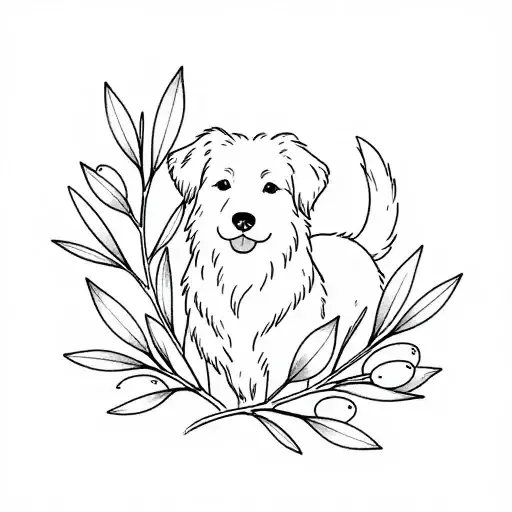
2. Inkspo
I participated in designing Inkspo myself, so for a fact, I know that Inkspo is using a top-tier image model, with thoughtful and modern style presets. Inkspo at the current stage has more diverse tattoo style presets than anybody else, and each preset is prompted in a way that leads to a practical tattoo design instead of just a random image on a piece of paper. An artist writing the prompt to help explain how to design a tattoo is a huge deal, because almost all the other tattoo generators are made by engineers who don't actually know how tattoos work. I would say Inkspo has the most potential to be the best AI tattoo generator, but it's a very young tool, so it still has space to grow.
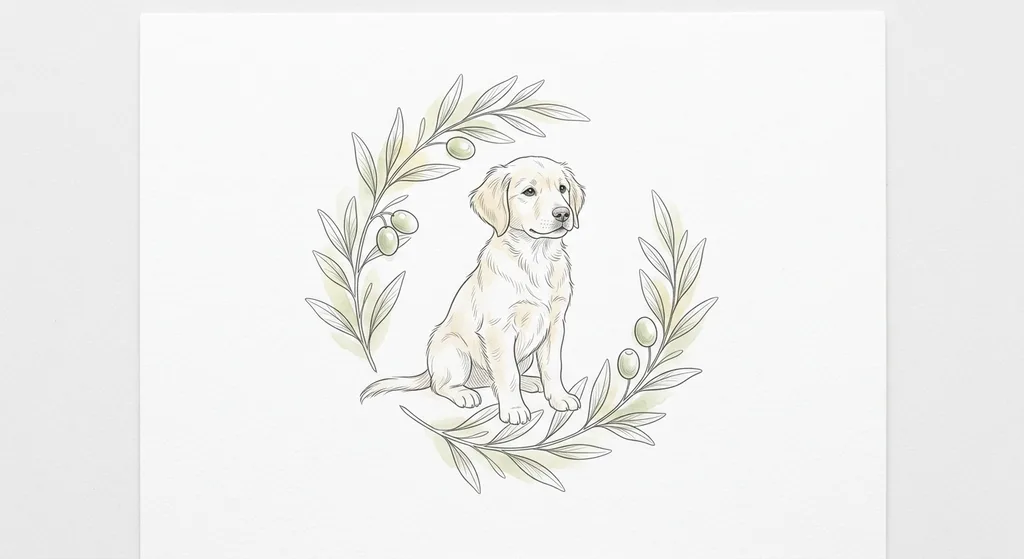
3. Ink Studio AI
My least favorite of this test round. First, it forces you to log in, then it forces you to pay to see the test image. It is not very user-friendly from that perspective.
4. TattoosAI
I'm impressed by how easy and smooth it is to use. Most of the other AI tattoo generators have a big prompt box and a few preset options for users to choose from, but TattoosAI does it step by step, which is very friendly to people who don't know what they want. The only downside is that it generated a black picture in this test round when the prompt says there should be some colors in it.
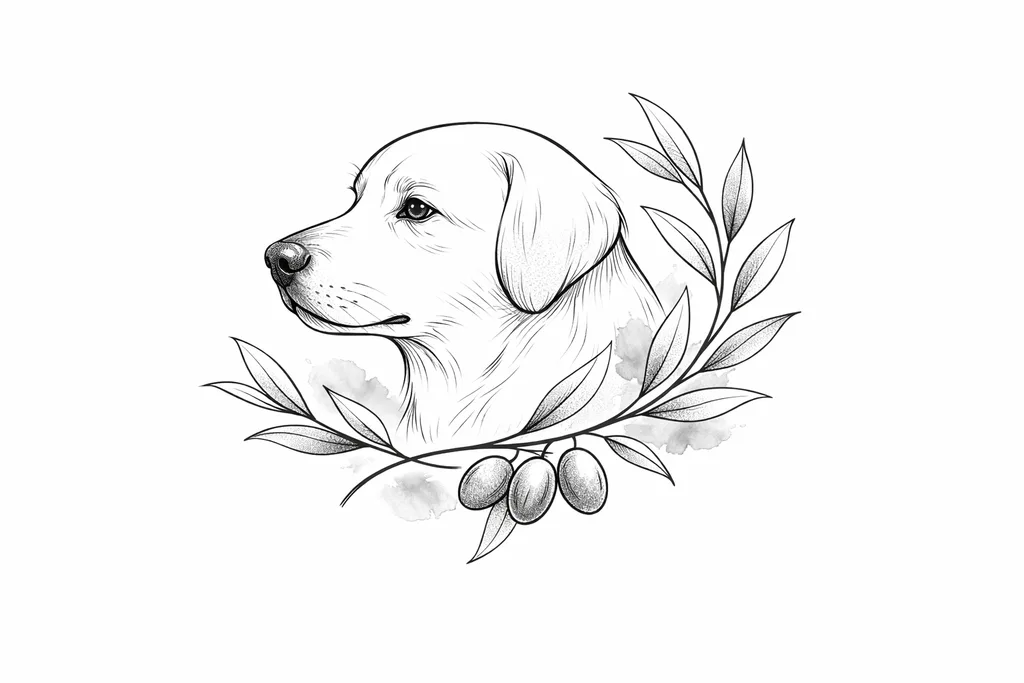
5. Adobe Firefly tattoo generator
I am a big user of Photoshop because I've been designing my whole career. Surprisingly, the Adobe Firefly Tattoo Generator is bad. Say nothing, and you can check the results yourself.
6. Midjourney
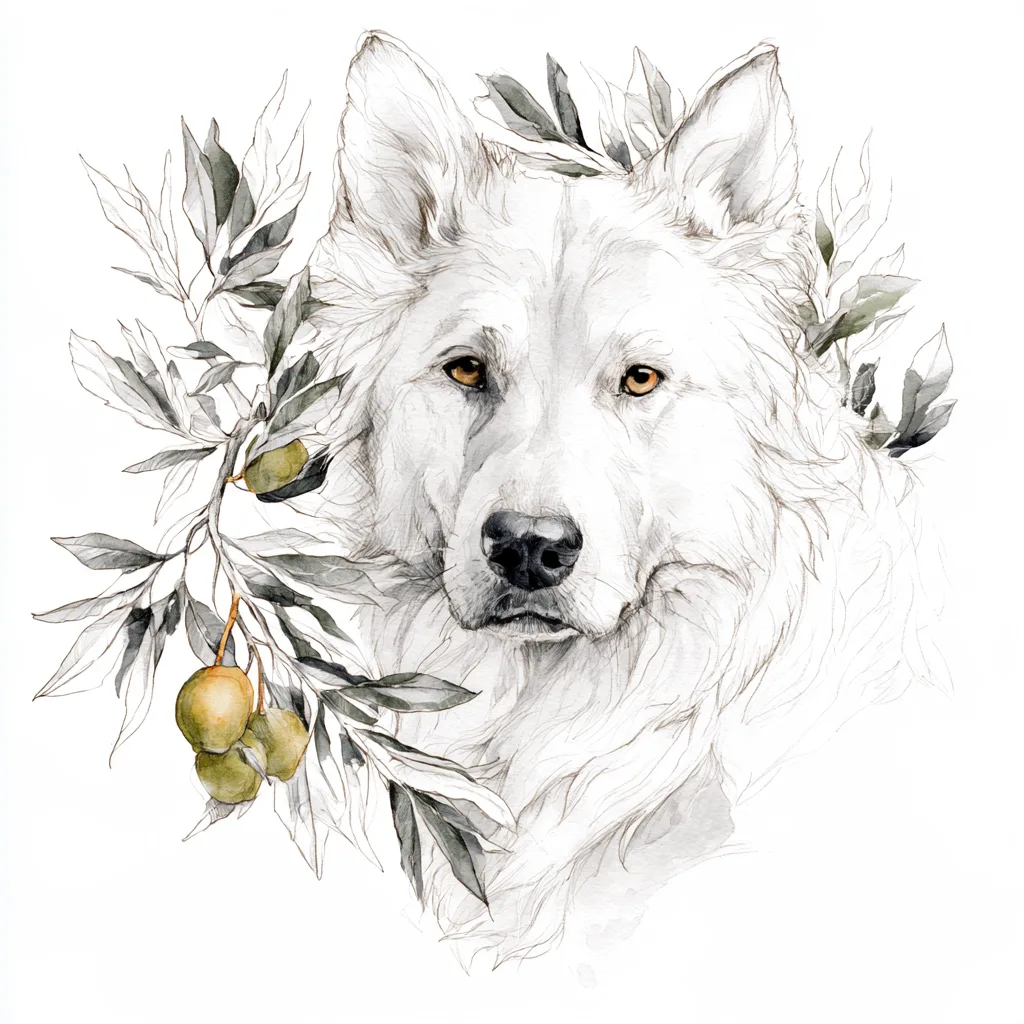
I consider MJ the best tool for getting inspiration: the fact that it gives you four generations at a time, and each of them looks very different, can for sure give you a lot of ideas. But the designs it generates are also the furthest from being practical out of all tools: the most "vibing", chaotic lines and details. Nice artwork tho.
7. Tatship
Not impressed. It seems to be built on an old, cheap model. The design it generated came out irrelevant to the prompt.
8. Tatspark
I like how Tatspark has a clean interface and is very easy for the users. It has thoughtful style presets, too. The only downside, I think, is that the generation seems to be too slow. For a few generations, I waited a few minutes, and nothing happened.
9. Canva AI tattoo generator
Canva has a super smooth user experience, but the tattoo design coming out of it seems to be a little irrelevant to the prompt. In the prompt it says to have colors, but both times the generations do not include colors at all. To my eyes, it's more of a general image generator instead of a tattoo generator. It also has no presets in terms of tattoo styles and placements at all.
10. Perchance
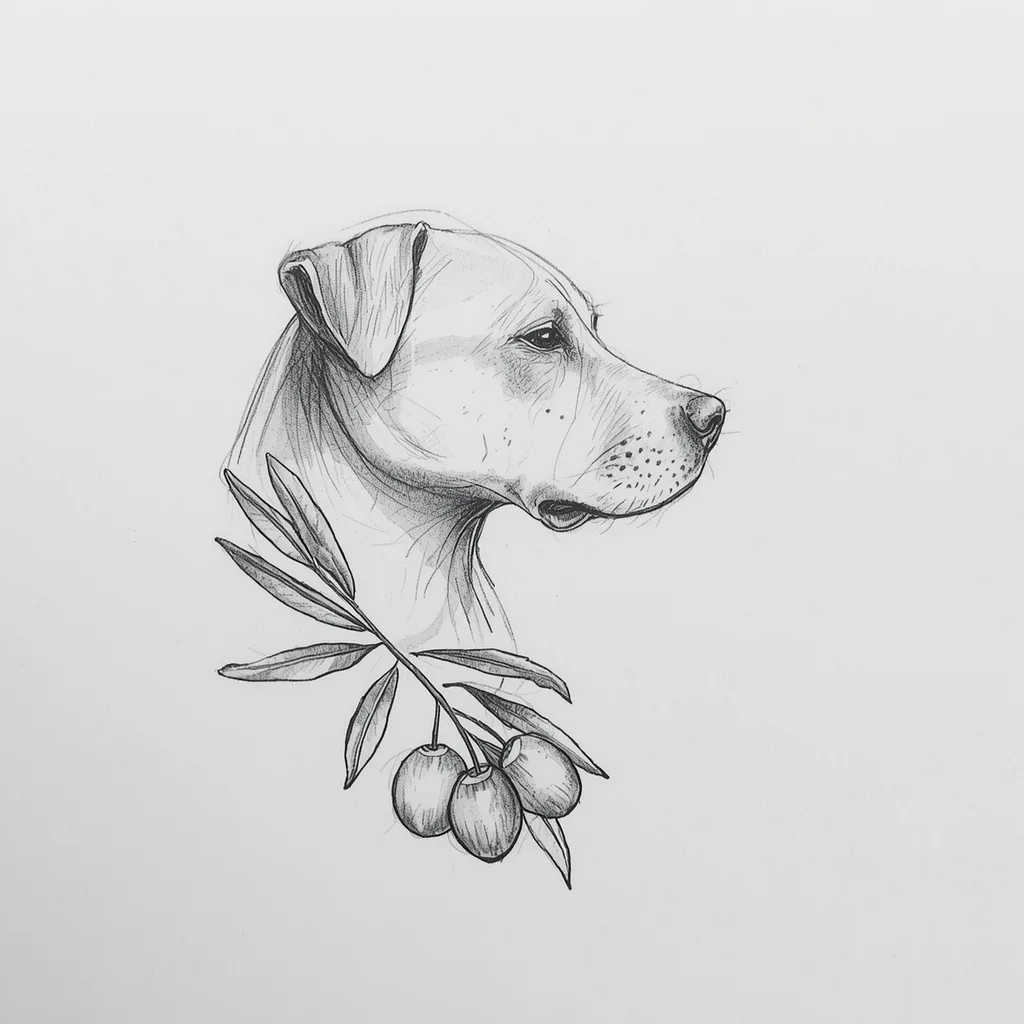
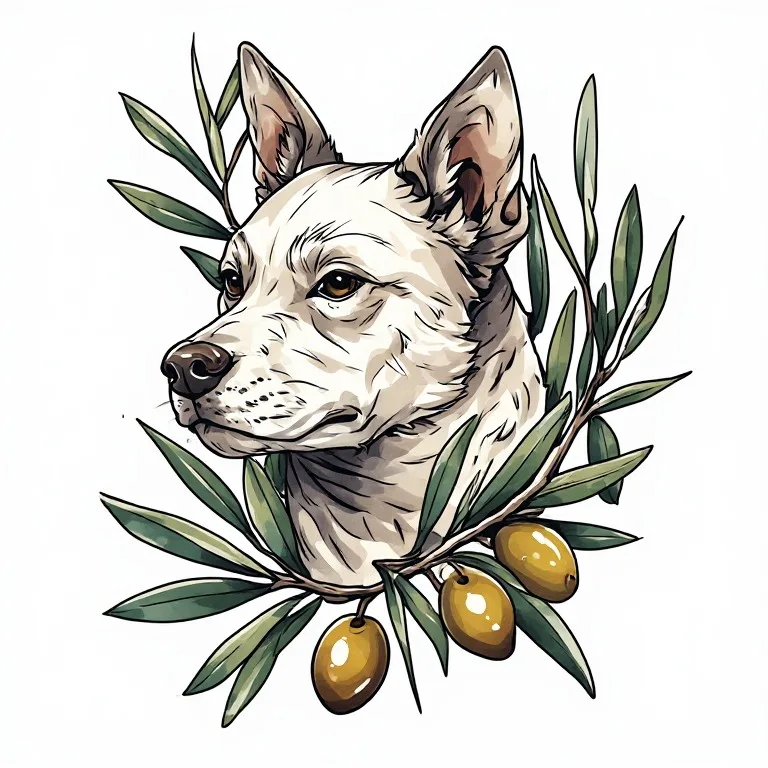
Perchance is nice in the sense that it creates four images at the same time. This idea is similar to Midjourney, which I like, because it shows the clients a few different options. Although I have to say, the four generations from Perchance look pretty similar to each other, versus in Midjourney, where the four generations can look very different.
FAQ
How can you tell if a tattoo photo is AI generated
Your artist can easily tell by looking at the details, such as how much space there is in between two fine lines, and whether part of the details can be executed with certain tattoo techniques. For a regular client, it can be hard to tell sometimes.
Is the Tattoo AI app free
"Tattoo AI" by HubX on Google Play has a free download and in-app subscriptions. It is a different product from most of the web tools on this list; check the subscription period before you tap, because many mobile tattoo apps bill weekly.
Do AI tattoo generators make stencils
Some export a stencil-style image (BlackInk AI, Ink Studio AI, TattoosAI, Tatspark). That is a line conversion of the picture, not a redraw: if the picture has too much detail for the size, the stencil has too much detail for the size.
Can AI design a cover-up
BlackInk AI has a cover-up and filler mode where you draw the shape of the gap or the old tattoo. For a real cover-up the old tattoo decides most of the design, so take the AI result as a direction and expect your artist to change it.
Can AI design a sleeve
BlackInk AI has sleeve templates, and Inkspo has half-sleeve and full-sleeve placements that set the composition shape. A sleeve is a 360-degree design, and every tool here draws it flat, so what you get is a panel, not a sleeve. This type of tattoo is highly dependent on the tattoo artist's experience and design.
What is the best AI tattoo generator app for iPhone or Android
In this test run, I only tested websites, not iPhone or iPad apps. You can open all those websites on an iPad or an iPhone and use them without downloading another app.
Who owns an AI-generated tattoo design
That depends on the tool's terms and your country, and the honest answer is that it is unsettled. What is settled is that an artist can decline any design for any reason, AI or not.
Can AI design a tattoo for me for free
Yes, most websites listed offer at least one free trial. Whether the free result is tattooable is the question the rest of this article is about.
Written by Jing — 10+ years tattoo artist, 8+ years tattoo mentor who trained hundreds of tattoo students and apprentices.
@tattooartist_jing