How to Design a Tattoo With AI - Guidance For Clients
Last updated: 2026/10/16
My clients bring AI-designed tattoos to me and I'd like to talk to them about how they prompted it. Most of the time, clients talk to AI tattoo generators just like they would talk to a real tattoo artist, starting with "I have an idea...."
But it doesn't work the same way, because real human artists can understand very vague descriptions, and point out or explain to the clients in real time what can be done and what not - AI tattoo generators, though, including all the general AI tools such as ChatGPT, Claude design, Midjourney and likewise generators - would just take in whatever the client describes, and mix everything together. This usually would end up making the design not tattooable.
In this article, I will show you how I (tattoo artist with 10 years of experience, familiar with all the tattoo terms, limits and conditions) would prompt an AI tattoo generator to get a better, more optimal and practical tattoo design.
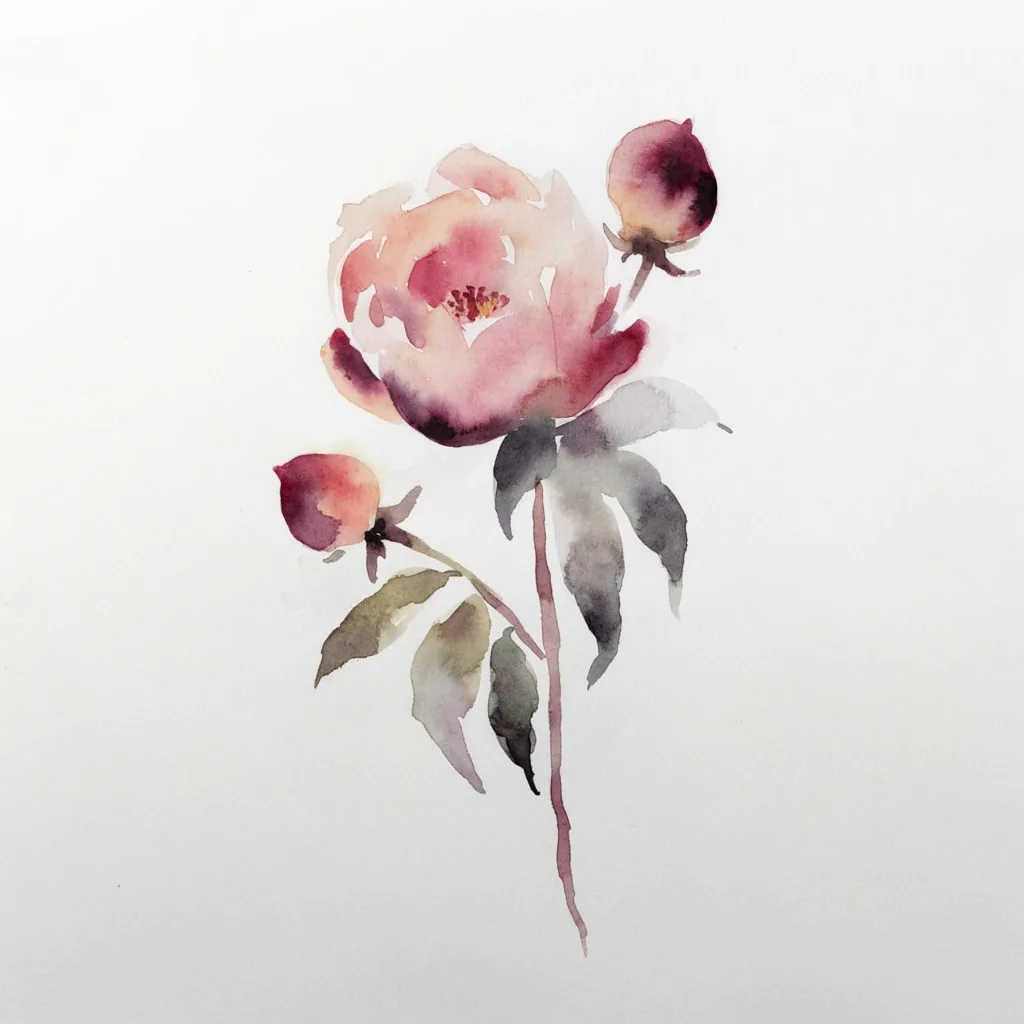
Can AI design a tattoo
AI is a great tool if you wanna use it for two things: get inspired with ideas, or generate a detail-confirmed design.
I, as a tattoo artist myself, sometimes would go on Midjourney to get inspired. AI is a great tool to give you lots of surprises, and point out new design directions that were never thought of. Human minds can be limited to a few ways of doing the design, and using AI to break the wall can help the artist to discover more possibilities.
Although I wouldn't recommend using AI this way for the clients, the simple reason is this: clients do not really know what can be tattooed or cannot, what amount of details are acceptable or not. Some other guides may tell you to prompt the AI generators like "Not too much details", I personally think prompting this way does not really help, because the word "details" itself cannot be defined: necessary lighting, shadows, and light reflects can be counted as details, the sixth finger can also be counted as details.
I would recommend tattoo artists to use AI generators in this way.
For clients, there are more specific ways to use AI tools, to have it visualize your tattoo ideas. The way I recommend to use AI tattoo generators is as below.
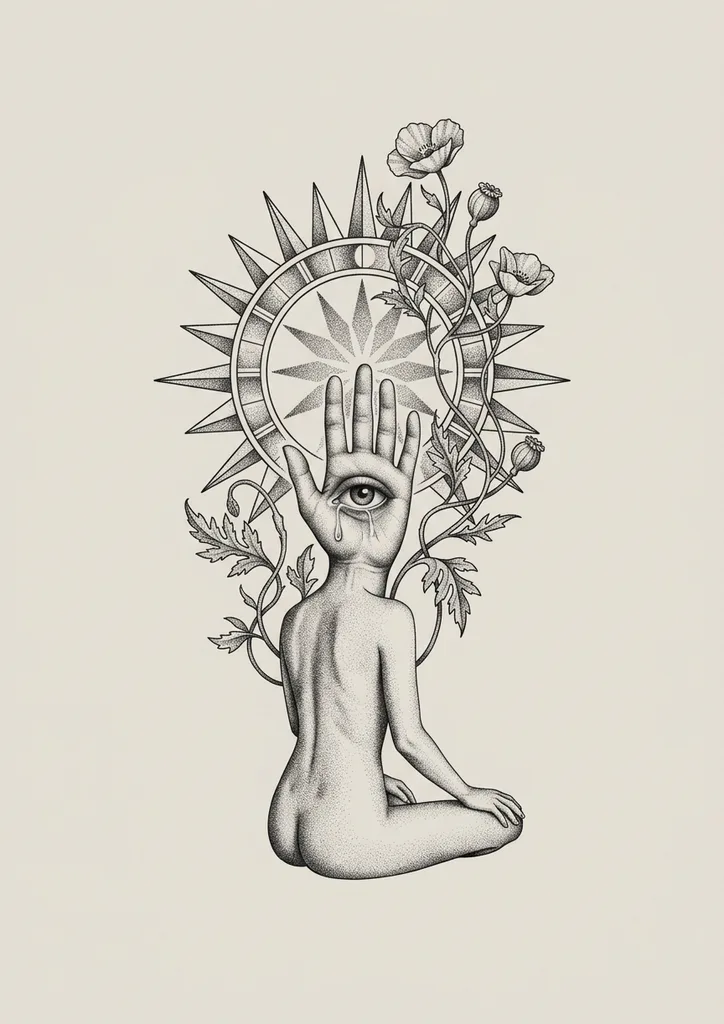
How to describe a tattoo idea to AI
You don't need to know tattoo terminology, and you can start with a very vague idea. The important thing is this: treat the AI tattoo generator as an executor who would 100% loyally design whatever you tell it, and don't mix it with a tattoo consultant. I discovered that a lot of clients would mix in questions and uncertainties when they describe their tattoo ideas (which is completely normal and works well with a real tattoo artist), but AI will mix it into the design.
So here comes the important rule:
Describe your subject clearly
Say the subject is a rose, do not say the subject is a rose or a chrysanthemum. Do not use the word "or."
Describe 1-2 subjects at a time
If you have a large project, such as a tattoo sleeve, you might want to add in a lot of elements, and the trick here is to not tell AI every element at the same time, because if you do, AI would equally distribute all the elements, which makes the outcome of the design very "flat". When real tattoo artists design a big project, we think about image depth and layers. For example: what is the primary element that would go to the front layer? What are the background elements, which are less important?
Say The primary element is a dragon, the secondary element is a few roses in the background, don't say Tattoo with dragons and roses.
Generate a custom tattoo design — free, no signup.
Get the vibe correct with photo prompts, instead of words.
Photo prompts mean when you insert a photo into the AI tattoo generators, the AI would read the look from the photo (not sure about other tools, but Inkspo does that.) This is so much better than describing your idea with pure words.
Lots of times, clients do not clearly know the accurate terms of tattoo styles and looks, and they would describe the idea as something similar, but not it. For example, here are some common situations:
Client says "watercolor" or "pastel color" - they mean bright, cheerful, vibrant colors, a lot of times in micro-realism style
Client says "blackwork" - they mean a specific type of black dotwork, instead of general black and gray style.
In my first 7 years of career life as a tattoo artist, I spent a lot of time describing and explaining to the clients what exactly are the tattoo styles, what are the differences, and what are unique to each style. I do it less now (but still doing it in every single consulting) because the tattoo styles and terms are endless. Every year, there will be new tattoo styles and trends come out. As a client, you do not need to know all these terminologies to be able to prompt an AI tattoo generator or real tattoo artist to make a good design; the better way is to collect a few photos with the same vibe of what you want, and it works for both AI and human tattoo artists.
I recommend to use Pinterest for collecting ideas.
Once you've collected photo references that are very close to what you want, feed them into the AI tattoo generators and say: Make a design for me based on this photo.
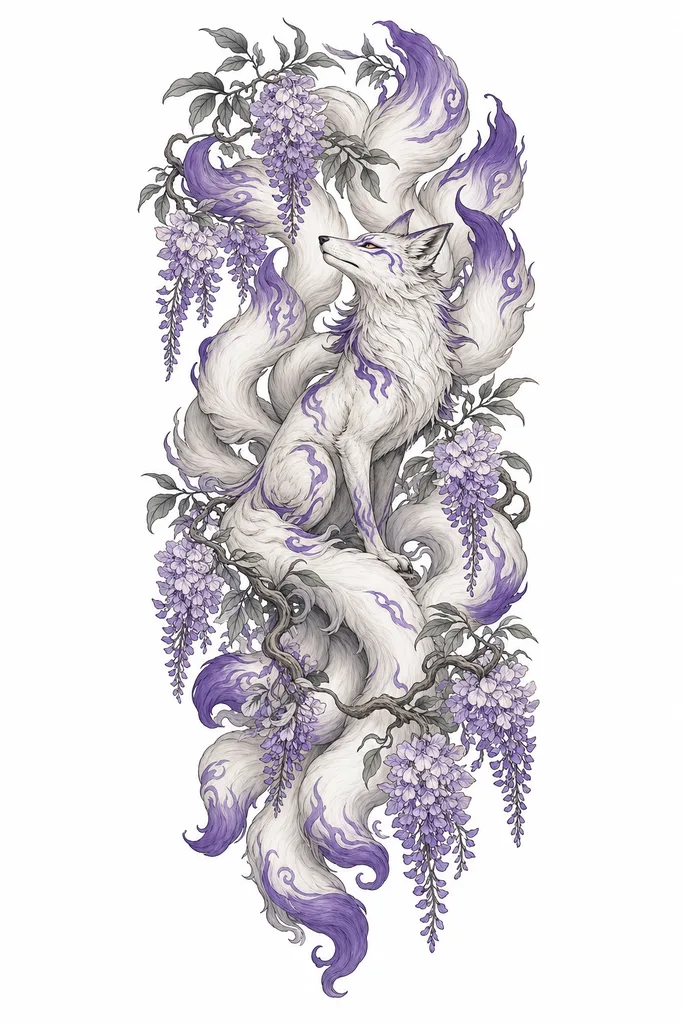
Upload 1-2 photos at a time, instead of 7-8 photos.
The reasons are the same as using a text prompt. When using a text prompt, it's better to describe one to two subjects at a time, because if you say a lot at the same time, it confuses the AI. With a lot of photos input, it also confuses the AI, especially when your photos may read very differently in styles.
The five angles to describe your tattoo idea
1. Subject
What you want tattooed. "I want a dragon", "a peony", "a butterfly", or something that carries a memory for you. Remember: one subject is enough to start with. If you have a secondary element and are not sure what to use (for example, rose or chrysanthemum), describe it twice in two tries instead of using "or."
For example:
- The first time, say: "Primary element is a dragon, secondary element are a few roses."
- Then try again and say: "Primary element is a dragon, and secondary elements are a few chrysanthemums."
Do not say something like: "Primary element is a dragon with a few roses or chrysanthemums in the background."
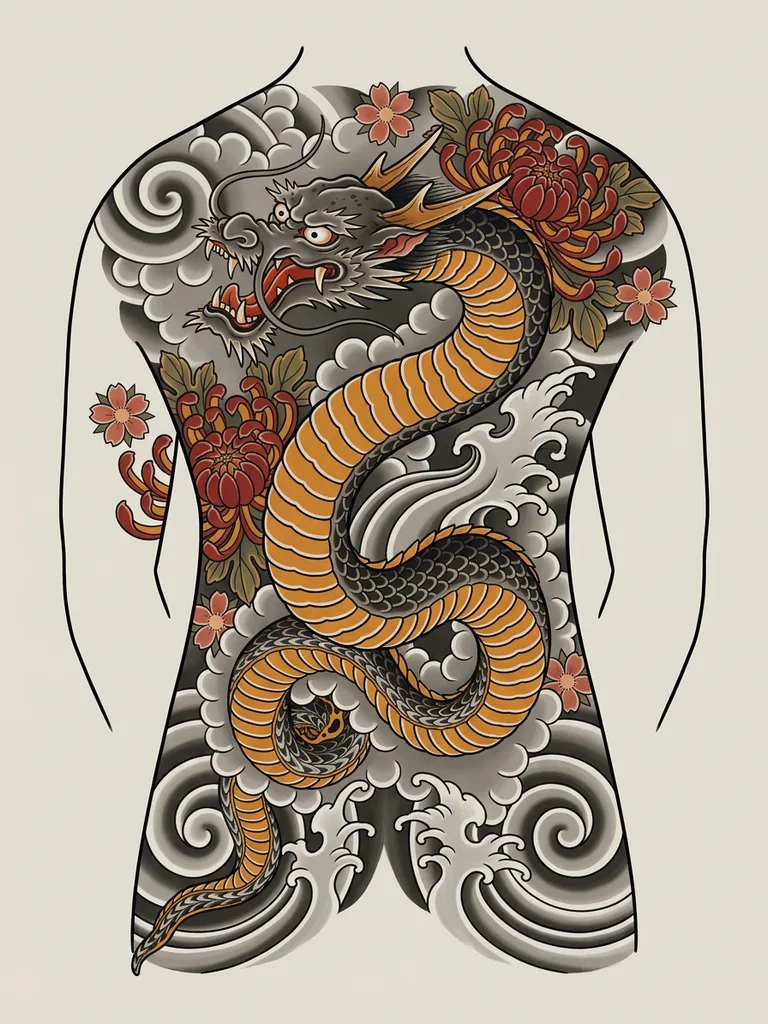
2. Style
Realism, minimal, Japanese, ink wash, traditional, geometric... There are so many of them. If interested in learning about the styles, you can read the Inkspo "Tattoo Ideas" page, in which I write about each style in a lot of details to introduce the pros and cons and the uniqueness of each tattoo style.
You can also skip describing the tattoo styles to the AI agents, in case it is not the best word to describe what's in your head. Try to collect a few photo references and tell the generator to follow the photos, or use the Inkspo style presets, in which I pre-prompted each style in tattoo artist's words.
3. Mood
The overall feeling: elegant, mysterious, powerful, soft, vintage, dark.
It is one of those important things to explain to your tattoo artist, but if you're using an AI tattoo generator, I would still recommend to skip this one and use photo prompts instead. Vibes, adjectives, and vague words can be understood by human, but cannot be executed by AI. Remember to treat the AI tattoo designers as an executor, not a consultant. If your prompt includes words such as moody, blooming, mysterious... it can confuse the AI.
On the other hand, if you are simply collecting inspirations, phrasing it that way can possibly bring interesting surprises.
Want a tattoo design after reading this article? Describe your idea and get design ideas in seconds.
4. Placement and size
Information for real tattoo artists are important, but with AI tattoo generators, I would actually suggest you to avoid saying words referring to tattoos, such as:
- Design for a thigh tattoo
- tattoo design for forearm
- a 3 inch tattoo
With my own experience testing a bunch of AI tattoo generators, I found that mentioning tattoo or body placement would actually limit the design outcome. Very likely, the generator's gonna come out with a design that looks very mediocre and out-fashioned. This is because most of the AI image models are trained to understand the word "tattoo" or "placement + tattoo," such as "sternum tattoos" with lots of old tattoo photos, so if you mention these words, it's going to design you something very similar to what they were trained with.
I assume most clients are looking for newer and unique tattoo designs instead of the old types, so it is smart to say a design sheet instead of a tattoo design.
Another thing is mentioning body parts in your prompt may cause the AI to generate a photo with tattoos on some bodies, which cannot be used as a design.
5. Details
You can describe specific needs, such as negative space, a little bit color. Try to keep it simple, though.
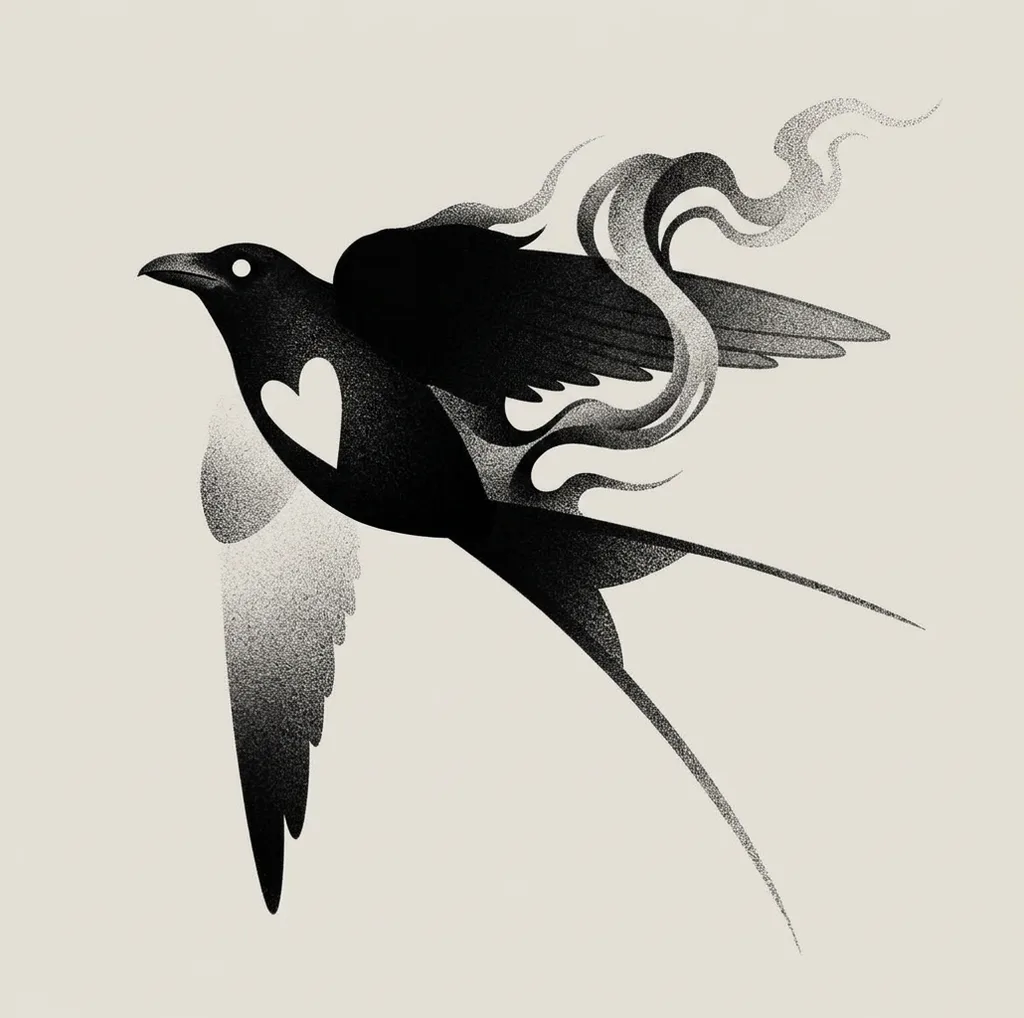
How to describe a tattoo to a real human artist versus AI
The biggest difference is that you should treat a real tattoo artist like a consultant, tell them everything that you're not sure about, and listen to their opinions. This is because every tattoo artist has a different design logic. They will give you a lot of creative input, which works for their specific personal style in this process.
With AI, avoid mentioning stuff that you're not sure about, and only list the request you for sure know. Avoid vague descriptions, use more certainty, and provide more details, which I will give an example below.
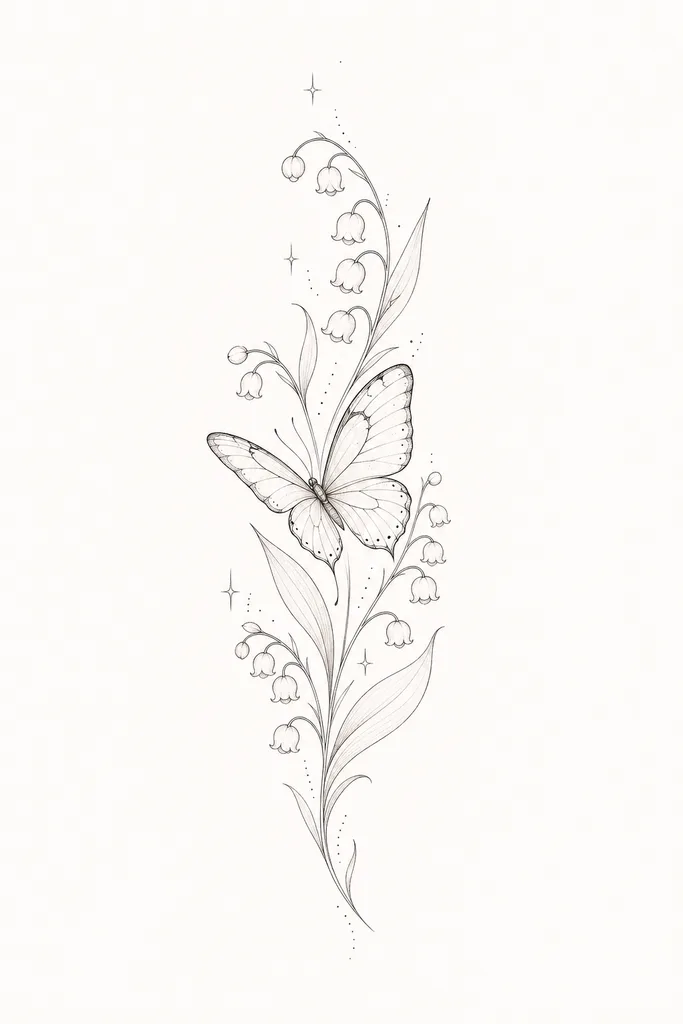
An example: Say you want a butterfly and lily flower
A description to human tattoo artists:
"I want a butterfly tattoo, with maybe some lily flowers. Probably black with some colors, I want it to be active elegant, on my forearm, about 3 inches big. What's your thought on it?"
A description to AI tattoo generators:
"I want a butterfly with its wings open (provide details of the posture to the AI), light and elegant like the photo I uploaded (confirmed details with visible reference). Black with some colors, fine line, vertical composition (executable details)."
(Notice that I did not mention the word "tattoo", body parts, or non-executable details.)
What makes an AI tattoo prompt give bad results
Conflicting words in one prompt
Use simple words, and make sure they don't contradict each other. If you already said fine line, don't also say black and grey in the same prompt. That confuses the generator. The same applies to tools with style presets: if you picked fine line in the presets, don't mention black and grey in the text.
Style names that mean different things to different people
Style descriptions are still a problem for AI. People can call anything "illustrative", and as long as a piece has no color, they can call it "blackwork". The AI image models were trained on tattoo photos labelled by other people, so a prompt saying "blackwork" can come out as something else entirely, depending on the model. Older models are worse at this, and a lot of designs come out looking like black and grey or American traditional.
Expecting the first image to be the one
If you get something close to your idea within the first 10 images, it is great. Good, practical designs usually come out of a process: generate 4–5 designs in the first round, use the Remix function to add or take away elements, change the style preset, and adjust the prompt a few times. If you are serious about the design, this can take a few hours and lots of generations.
Other details
- The word "tattoo" alone can make a general image model return a photo of inked skin instead of a design, and suggest adding "white background" or "flash sheet".
- Words like "hyper detailed" or "8k" tend to push the image toward a density that would not hold on skin.
- Lettering is often misspelled, so check any words letter by letter, and tell AI, that's exactly what you want.
Make a tattoo design with Inkspo - Free AI Tattoo Generator
FAQ
How long should an AI tattoo prompt be
You can write up to 3,000 words to describe a tattoo idea. There is not a certain limit to how long the prompt should be. The important thing is to avoid conflicts in your prompt: do not describe the same thing with two different terms or descriptions. Simple words, no contradictions, and executable descriptions.
Should I write "black and grey" in the prompt or pick it in the presets
It depends on what the keyword is. "Black and grey," for example, is a very broad keyword that can mean many different styles, so I would not prompt this one. American traditional, on the other hand, is a very certain, narrow, and accurate description, so it would be fine. What works is to make sure you and the AI tattoo generator are on the same page when it comes to a certain style: and a lot of times, that is just not the case.
So what I would do, is to use the presets and avoid mentioning tattoo styles in the prompt - if a preset comes out far away from what you are thinking of, then change into another preset until it gets closer to your imagination.
Can I upload a reference image instead of writing a prompt
Yes, most tools have a Remix or image input. Text and image give very different results, and I generally recommend people to use photo prompts, especially for those things words can hardly describe, such as vibe.
Which AI should I use to generate tattoo ideas
I compared ten AI tattoo generators in Best AI Tattoo Generator, with the exact same prompt run through each. This would help you to understand what tool works the best.
What is the best tattoo prompt for ChatGPT
Use the methods and tips I mentioned in this article. And remember not to talk to ChatGPT or other tools the same as when you talk to a real human tattoo artist.
Do I need to write the prompt in English
Yes, it is better, as most of the image models are trained in English.
Written by Jing — 10+ years tattoo artist, 8+ years tattoo mentor who trained hundreds of tattoo students and apprentices.
@tattooartist_jingNot sure what you want yet? See real tattoo ideas by style and body placement in Tattoo Ideas.